

Ultimate Guide on How to Edit Audio Files Effectively on Windows
Discover the comprehensive guide on how to edit audio files on Windows. Use great tools to effectively create professional-level audio results.
Discover the comprehensive guide on how to edit audio files on Windows. Use great tools to effectively create professional-level audio results.
This category is dedicated to exploring the top video editing software options that can assist you in crafting captivating and extraordinary videos. We will provide valuable insights to enhance your user experience while using social platforms and assist in crafting engaging videos to share with your friends. Here, you can learn tricks for creating picture-in-picture (PiP) videos, adding bubble texts to a video, as well as convert landscape video to portrait.
What housewarming invitation video makers can you try? What does it take to make a standout housewarming invitation video? Learn more here.
Do you want to cut MOV files? What is the best MOV video cutter? How to cut MOV video online? Check out this post to find the right method for you.
Here is how to edit Panopto videos using the platform’s built-in trim tool and a third-party, full-featured video editor – MiniTool MovieMaker.
Are you looking for a video reverse app? Read this article to learn about 9 video reverse apps and a practical method.
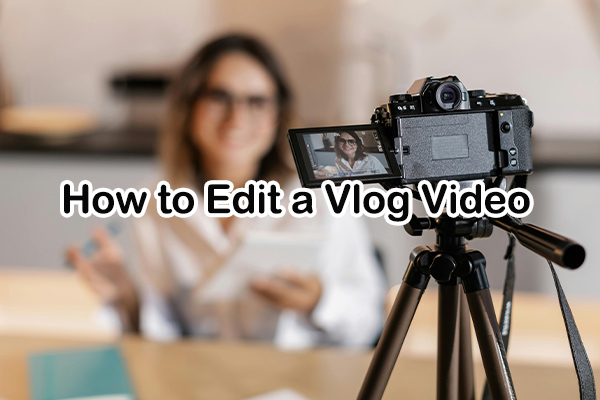
Here is how to edit a vlog video using MiniTool MovieMaker and CapCut. Follow the guide to edit and create your vlog video with ease.
Here is how to edit Twitch videos for YouTube using Twitch’s built-in Clip system or MiniTool MovieMaker to turn your live streams into vertical formats.
What are the friendship video makers? Which friendship video ideas are worth trying? How to make a friendship video step by step?
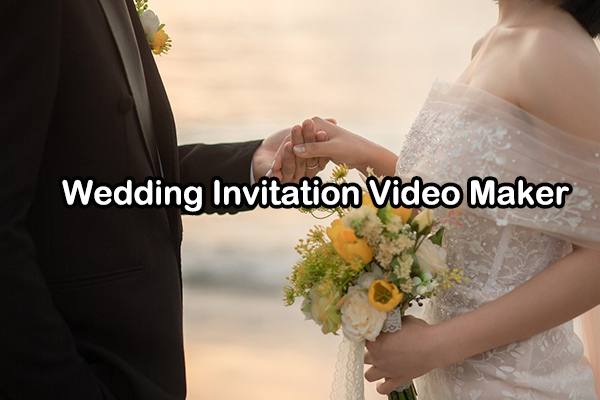
How do you create a beautiful wedding invitation video? This article will introduce 5 wedding invitation video makers to tell you the answer.
Here is how to edit skate videos using MiniTool MovieMaker on a Windows PC, and 14 useful tips for enhancing skate videos.
Here is how to edit a Google Meet Recording using MiniTool MovieMaker. Easily trim, crop, and merge your recordings and enhance them with text and elements.