Precisely Video Editing by Keyframes 
Focus on the target part of the video screen by adding keyframes. This feature enables you to zoom in or zoom out at a fixed scale. Also, precisely video rotation can never be so easy!
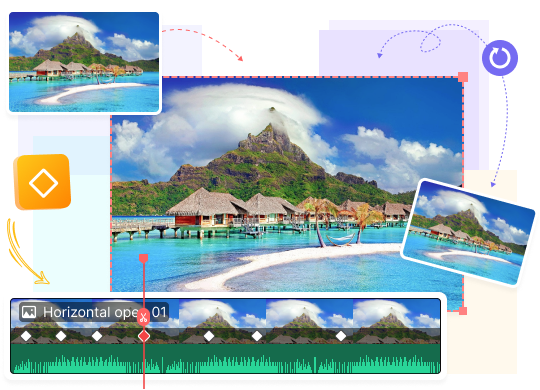
Focus on the target part of the video screen by adding keyframes. This feature enables you to zoom in or zoom out at a fixed scale. Also, precisely video rotation can never be so easy!
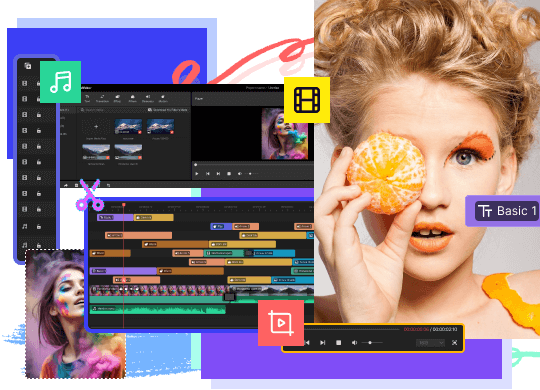

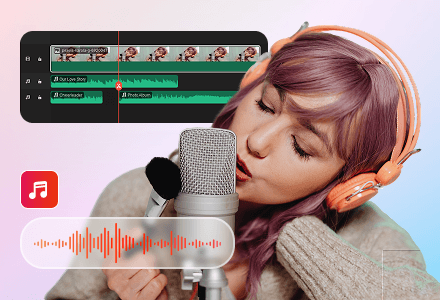
MiniTool MovieMaker makes your video different by editing it on multiple tracks. Layering and fine-tuning various clips, elements, and effects track-by-track, you can create a picture-in-picture video that surely shining.
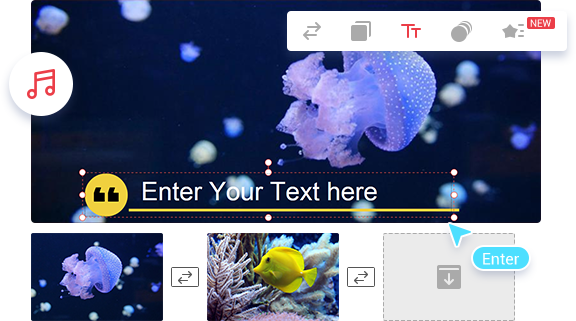
MiniTool MovieMaker is the best video editing choice for beginners. With intuitive interface and rich features, it transforms your video into a piece of art and gives the video a stunning look! It makes your content shine.
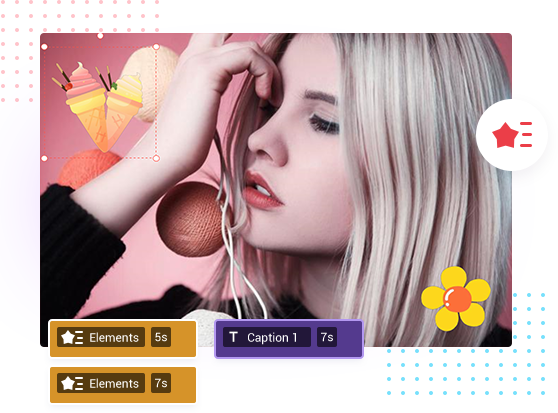
A rich offer of resources are updated in line with trends. Find the elements that are closest to your video editing, select and place them on the track to add the finishing touch to the video, and become the Muse on your editing journey.
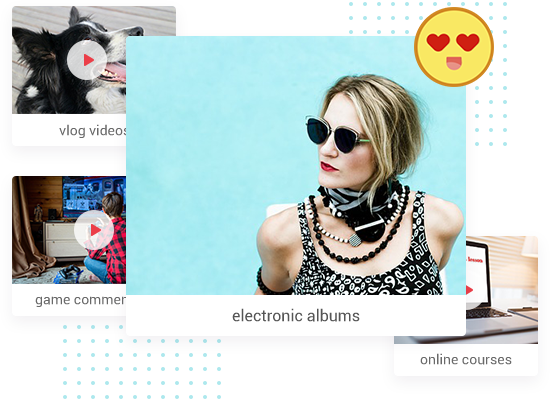
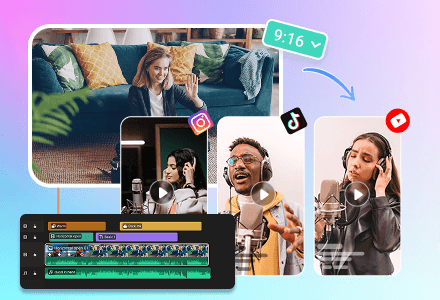
MiniTool MovieMaker delivers the best functionality for all people interested. With this Windows movie editor, it’s easy to produce exquisite vlog videos, electronic albums, game commentary videos, online courses, etc.
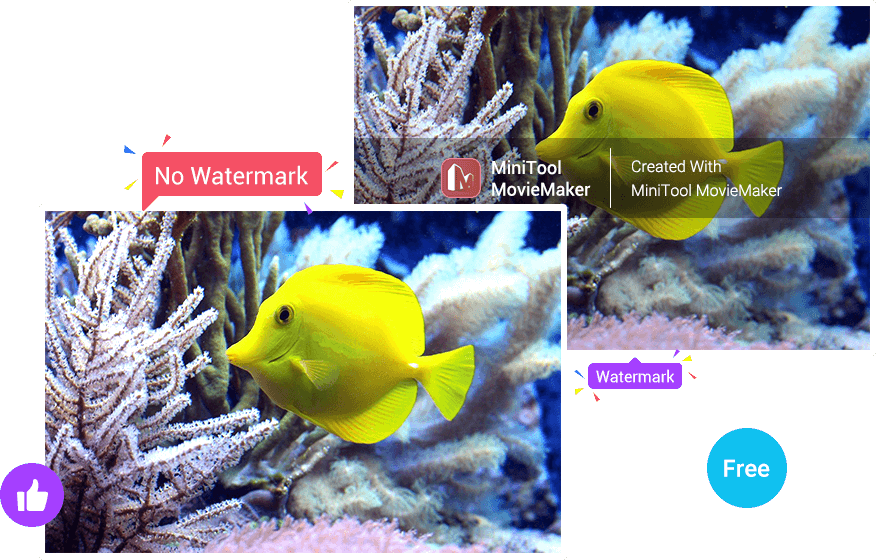
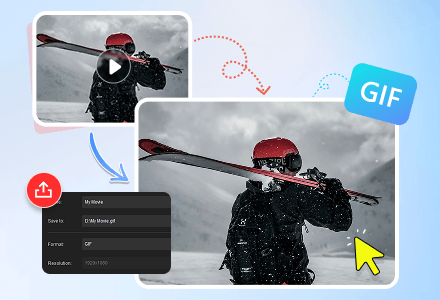
MiniTool MovieMaker can import almost all video/image formats and create videos in standard or HD quality. Most notably, it allows exporting videos up to 4K for free!
Free Download



Windows 11(64 bit), Windows 10 (64 bit)
Intel i5 or better, 2GHz+. (Intel 6th Gen or newer recommended).
8 GB RAM
10 GB free hard-disk space (SSD recommended).
Intel HD Graphics 5000 or later; NVIDIA GeForce GTX 700 or later; AMD Radeon R5 or later. Please keep your graphics driver updated.