

Ultimate Guide on How to Edit Audio Files Effectively on Windows
Discover the comprehensive guide on how to edit audio files on Windows. Use great tools to effectively create professional-level audio results.
Discover the comprehensive guide on how to edit audio files on Windows. Use great tools to effectively create professional-level audio results.
This category is dedicated to exploring the top video editing software options that can assist you in crafting captivating and extraordinary videos. We will provide valuable insights to enhance your user experience while using social platforms and assist in crafting engaging videos to share with your friends. Here, you can learn tricks for creating picture-in-picture (PiP) videos, adding bubble texts to a video, as well as convert landscape video to portrait.
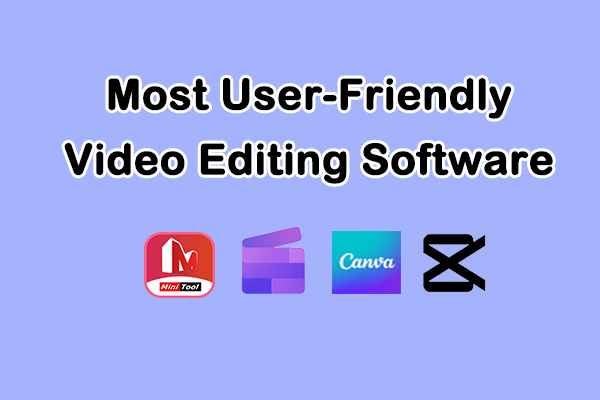
Edit videos like a Pro without the learning curve using the most user-friendly video editing software: MiniTool MovieMaker, Clipchamp, Canva, and CapCut.
Here is how to make objects move in video using MiniTool MovieMaker and CapCut. Easily create movements for still objects and make the video more engaging.
MiniTool MovieMaker 8.9 comes with keyframe animation for precise editing and an optimized installation package and export UI for a better editing experience.
Easily create PiP videos using two simple picture-in-picture video editors: MiniTool MovieMaker and Microsoft Clipchamp.
Here are the 4 best video editors for YouTube Shorts: YouTube Create, MiniTool MovieMaker, Microsoft Clipchamp, and CapCut.
This guide explains how to combine VLC recording via the command line and a dedicated video editor, MiniTool MovieMaker, to enhance and edit VLC recordings.
Here are some of the 5 best video trimmers for Instagram Reels: Microsoft Photos, MiniTool MovieMaker, Clipchamp, CapCut, and Online Video Cutter.
Here is how to make an opening video effect with a few clicks using MiniTool MovieMaker and CapCut on Windows.
Here is a complete guide to the video text templates in MiniTool MovieMaker, with clear steps for adding title cards, captions, and credits to your videos.
Here is how to edit YouTube live stream videos using the built-in Studio Editor and MiniTool MovieMaker. Easily create highlights or repurpose your content.