

Ultimate Guide on How to Edit Audio Files Effectively on Windows
Discover the comprehensive guide on how to edit audio files on Windows. Use great tools to effectively create professional-level audio results.
Discover the comprehensive guide on how to edit audio files on Windows. Use great tools to effectively create professional-level audio results.
This category is dedicated to exploring the top video editing software options that can assist you in crafting captivating and extraordinary videos. We will provide valuable insights to enhance your user experience while using social platforms and assist in crafting engaging videos to share with your friends. Here, you can learn tricks for creating picture-in-picture (PiP) videos, adding bubble texts to a video, as well as convert landscape video to portrait.
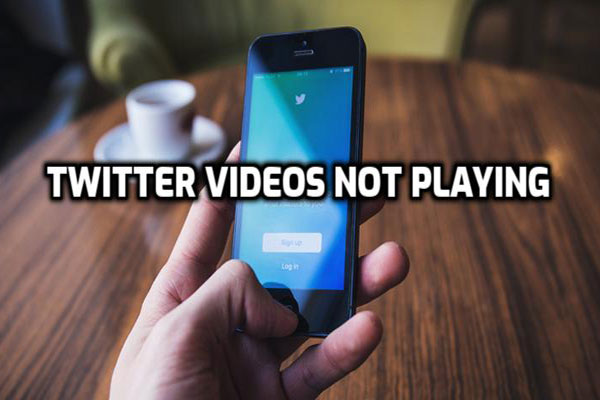
This post shows how to solve the Twitter video won’t play on iPhone/Android/Chrome issue and also introduces how to make Twitter videos.
Is there any effective way to remove background noise from audio? Of course, there is. This post will show you 2 ways to clean up noisy audio.
Windows Movie Maker no sound? Here are 8 solutions to help you solve the no sound issue on Windows Movie Maker.
Need to send large video files to someone? Here are 8 effective ways to help you quickly send large video files for free.
This post shows 7 solutions to help you fix the Movie Maker error 0x87260103. You can try a suitable one to fix Movie Maker saving error.
This post tells you how to save Movie Maker project in 3 different ways. You can choose one to save Movie Maker to MP4.

How to fix Movie Maker error 0x80004003? This post shows several ways to help you fix the error 0x80004003 in Windows Movie Maker.

Voice changer software become increasingly popular in video production. So which voice changer is best? This post provides some recommended voice software.

How to rotate video in Windows Media Player? How to rotate video in iPhone? This post lists different ways to rotate video free.
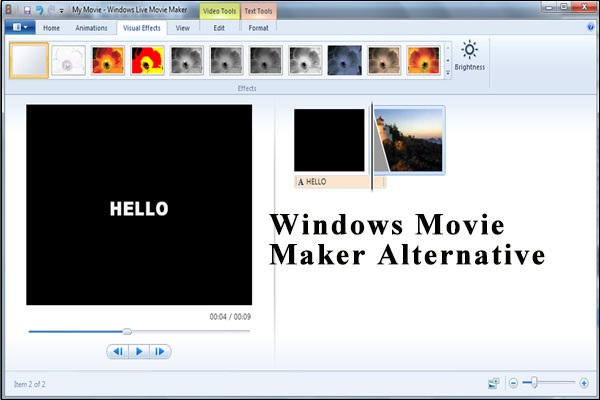
Windows Movie Maker is dead. Try the best Movie Maker alternative – MiniTool MovieMaker to edit videos effortlessly.