

Ultimate Guide on How to Edit Audio Files Effectively on Windows
Discover the comprehensive guide on how to edit audio files on Windows. Use great tools to effectively create professional-level audio results.
Discover the comprehensive guide on how to edit audio files on Windows. Use great tools to effectively create professional-level audio results.
This category is dedicated to exploring the top video editing software options that can assist you in crafting captivating and extraordinary videos. We will provide valuable insights to enhance your user experience while using social platforms and assist in crafting engaging videos to share with your friends. Here, you can learn tricks for creating picture-in-picture (PiP) videos, adding bubble texts to a video, as well as convert landscape video to portrait.
![How to Zoom in on a Picture in Lightroom [SOLVED]](https://images.minitool.com/moviemaker.minitool.com/images/uploads/2023/03/how-to-zoom-in-lightroom-thumbnail.jpg)
How do you enlarge a photo? Have you used Lightroom to zoom in on photos? How to zoom in on a picture in Lightroom? How to zoom in on photos more easily?

Here are eight gaming intro makers, including MiniTool MovieMaker, AVS Video Editor, Blender, Movavi Video Editor, FlexClip, and more.
![How to Zoom in on Video in VLC Media Player [3 Ways]](https://images.minitool.com/moviemaker.minitool.com/images/uploads/2023/03/zoom-in-on-video-in-vlc-thumbnail.jpg)
How do you enlarge the size of a video? How to zoom in on video in the VLC media player? Is there another alternative software to zoom in on video?
![How to Fix the DaVinci Resolve Media Offline Issue [Full Guide]](https://images.minitool.com/moviemaker.minitool.com/images/uploads/2023/03/davinci-resolve-media-offline-thumbnail.jpg)
What is DaVinci Resolve media offline issue? What does media offline mean in DaVinci Resolve? How to fix media offline in DaVinci Resolve? Check this post now!
Filmora vs iMovie: which one is better? Is Filmora better than iMovie? What are their similarities and differences? What are the best alternatives to them?

How to fix Clipchamp not working? Try to reopen, repair, reset, or reinstall Clipchamp; close unnecessary programs; run SFC scan; or use an alternative.
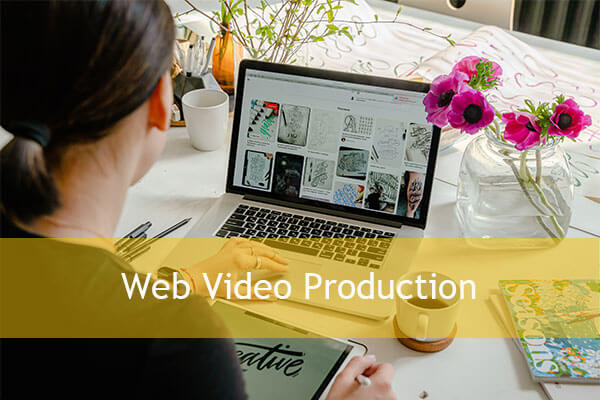
What’s web video production? What are the agencies or companies that offer video and audio production services?
![[Review] A Full Introduction to Web Browser Video Editors](https://images.minitool.com/moviemaker.minitool.com/images/uploads/2023/03/web-browser-video-editor-thumbnail.png)
What is a browser video editor or web-based video editing software? What are the pros and cons of a web video maker?
How to fix the file has an unsupported compression type in Premiere Pro? Why can’t you import MP4 or other video types into Premiere Pro? How to fix the issue?

How do you create doodle videos? Have you used Doodly? What is Doodly? Is Doodly free? Is there an alternative to Doodly? What are the best Doodly alternatives?