

Ultimate Guide on How to Edit Audio Files Effectively on Windows
Discover the comprehensive guide on how to edit audio files on Windows. Use great tools to effectively create professional-level audio results.
Discover the comprehensive guide on how to edit audio files on Windows. Use great tools to effectively create professional-level audio results.

This category is dedicated to exploring the top video editing software options that can assist you in crafting captivating and extraordinary videos. we will provide valuable insights to enhance your user experience while using social platforms and assist in crafting engaging videos to share with your friends.

The best free slideshow maker, MiniTool Movie Maker, can help you easily and quickly create photo slideshow with music.
5 powerful YouTube video optimization tips help you successfully optimize your YouTube video to get more views and traffic.
![[FIX] Top 10 Solutions to YouTube Video Is Not Available](https://images.minitool.com/moviemaker.minitool.com/images/uploads/2020/08/youtube-video-not-available-thumbnail.jpg)
There are 10 solutions you can try when your YouTube video is not available, and a simple method to create a YouTube video easily.

Here is a list of YouTube video editor alternatives, such as YouTube Studio video editor, YouTube Create, MiniTool MovieMaker, Shotcut, and PowerDirector.

5 powerful YouTube SEO strategies to rank videos are listed here. Try them to rank your YouTube video.

This post tells how to fix the YouTube is not working issue in PC/ Android /iOS. Try them to watch YouTube video again.
![[SOLVED] 8 Solutions for YouTube Black Screen Are Here](https://images.minitool.com/moviemaker.minitool.com/images/uploads/2020/08/youtube-black-screen-thumbnail.jpg)
This post lists 6 solutions to solve the YouTube black screen Firefox/Google issue and shows how to fix YouTube black screen on phone.
How do convert WMV to MP3? This post introduces the top 10 WMV to MP3 converters. With these converting software, you can convert WMV to MP3 easily!
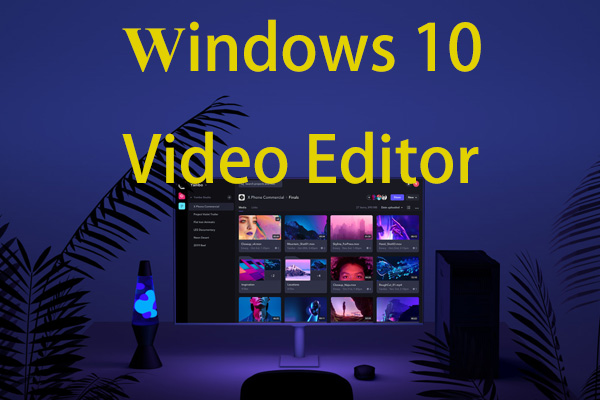
Are you looking for a free and powerful Windows 10 video editor? This post lists 4 different video editors for Windows 10.
This post shows 2 ways to convert WebM to MP4 as well as 5 frequently asked questions.