



How to Split MOV on Windows [Step-by-Step Guide]
Here is how to split MOV files using MiniTool MovieMaker on a Windows PC. Effortlessly split a video into segments to insert media or remove unwanted parts.
By Cora
Here is how to split MOV files using MiniTool MovieMaker on a Windows PC. Effortlessly split a video into segments to insert media or remove unwanted parts.

Here are five AV1 video editors to edit videos using the codec, including MiniTool MovieMaker, Avidemux, CapCut, Filmora, and DaVinci Resolve.

Why is Clipchamp so slow? Why does Clipchamp keep buffering? What can you do to fix Clipchamp buffering problems? Check out this post to find the solution.

Do you know how to fix CapCut black screen problem when playing videos? Check out this post to learn how to resolve CapCut no video preview issue.

If you’re annoyed by the media files automatically downloaded from WhatsApp, check out this post to learn how to stop WhatsApp from saving photos and videos.

Can DaVinci Resolve remove watermark from videos? Check out this post to learn how to remove watermark from video in DaVinci Resolve.
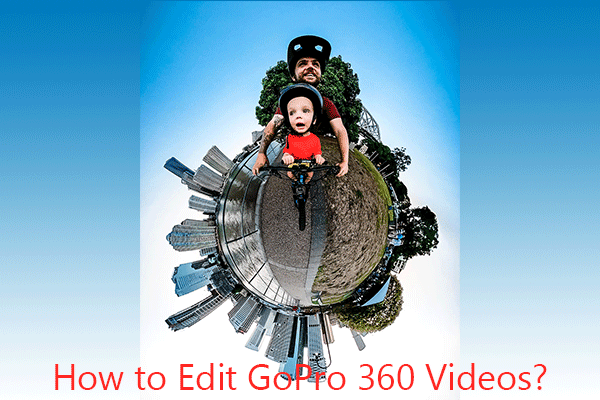
Here is how to edit GoPro 360 videos on PC using MiniTool MovieMaker. Easily add music, text, and elements to enhance the footage.

Here is how to edit Black Myth: Wukong recordings using MiniTool MovieMaker. Step-by-step guide with pictures.

If you forget to turn on the timestamp setting on your camera, that’s ok because you add time and date to the video after recording.

Why can’t I schedule posts on Instagram? Read this post to learn how to fix Instagram scheduling not working on Android and iPhone.

Do you know how to blur part of a video or the background in DaVinci Resolve? Check out this post and learn how to blur in DaVinci Resolve.

Do you want a HitFilm Express alternative for your video creation? What is the best alternative to HitFilm Express? Here are 5 HitFilm Express replacements.