

Pro Guides on How to Convert MPG to PNG Quickly on Windows
Learn how to convert MPG to PNG easily and quickly with the three best tools: Filestar, MConverter, and online-convert.com.
By Jenny
Learn how to convert MPG to PNG easily and quickly with the three best tools: Filestar, MConverter, and online-convert.com.
Discover how to convert MPG to JPG on Windows with three free and reliable tools: AnyConv, MConverter, and OnlineConvertFree.

Discover the 6 best Women’s Day video maker for Windows users: MiniTool MovieMaker, CapCut, FlexClip, Animaker, Canva, and LightX.

Discover how to convert DNG to JPG efficiently on Windows with three reliable methods: use FreeConvert, CloudConvert, and Zamzar.
![Convert MKV to JPG Efficiently on Windows [Step-by-Step Guides]](https://images.minitool.com/moviemaker.minitool.com/images/uploads/2025/11/mkv-to-jpg-thumbnail.png)
Learn how to convert MKV to JPG efficiently and easily using three professional tools: Filestar, MConverter, and Aspose.

Read this post to learn about onboarding videos and the 4 steps to create onboarding videos: Define the goals, create scripts, prepare footage, and edit videos.
Learn the new features of MiniTool MovieMaker 8.4 – bubble text and Christmas elements, and see how these functions make your videos more engaging!

Discover how to convert MKV to PNG efficiently on Windows using three reliable tools: MConverter, Aspose, and Online-convert.com.
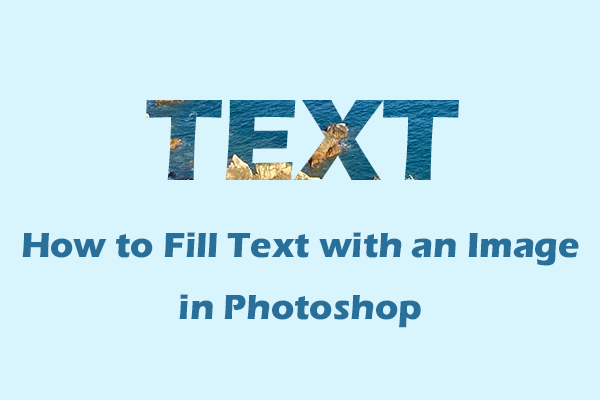
Learn how to fill text with an image in Adobe Photoshop step by step with 2 reliable methods: using a clipping mask and a layer mask.

Discover how to overlap audio files on Windows with three reliable methods: using MiniTool MovieMaker, CapCut, and Kanto Audio Mix.
Learn how to perform image text overlay on Windows with three effective methods: using Adobe Photoshop, Canva, and Picsart.
Learn how to convert TXT to SRT and vice versa with the 5 best and free online tools: MConverter, GoTranscript, ScreenApp, etc.