

This post introduces five invitation video maker apps, including MiniTool MovieMaker, FlexClip, InVideo, Animaker, and Biteable. Use these tools for creating impressive invitation videos for birthdays, weddings, anniversaries, or other important events.
What is the best invitation video maker? Here is a list of the best video invitation makers for you. With them, you can create appealing invitation videos for Anniversaries, Weddings, Birthdays, and so on. To help you make invitation videos, these platforms allow you to add essential video invitation elements.
5 Invitation Video Makers at a Glance
- MiniTool MovieMaker
- FlexClip
- InVideo
- Animaker
- Biteable
Here is a quick comparison table:
| Tool | MiniTool MovieMaker | FlexClip | Invideo | Animaker | Biteable |
| Platform | Windows | Web | Web | Web | Web |
| Pricing | Free + Paid | Free + Paid | Free + Paid | Free + Paid | Free + Paid |
| Watermark | No | Yes, the free plan | Yes, the free plan | Yes, the free plan | Yes, the free plan |
| Invitation Templates | No | Yes | Yes | Yes | Yes |
| Animated Elements | Yes | Yes | Yes | Yes | Yes |
| Best For | Fine-tuned customization, watermark-free output | Quick online template-based creation | Template-driven online editing | Animation-style invitations | Quick online template-based creation |
1. MiniTool MovieMaker
MiniTool MovieMaker is my favorite invitation video maker because it provides all the important tools to make a fabulous invitation video. I can make an invitation video from images and video clips. Along with video invitations, you can also make movies, vlogs, advertisement videos, etc.
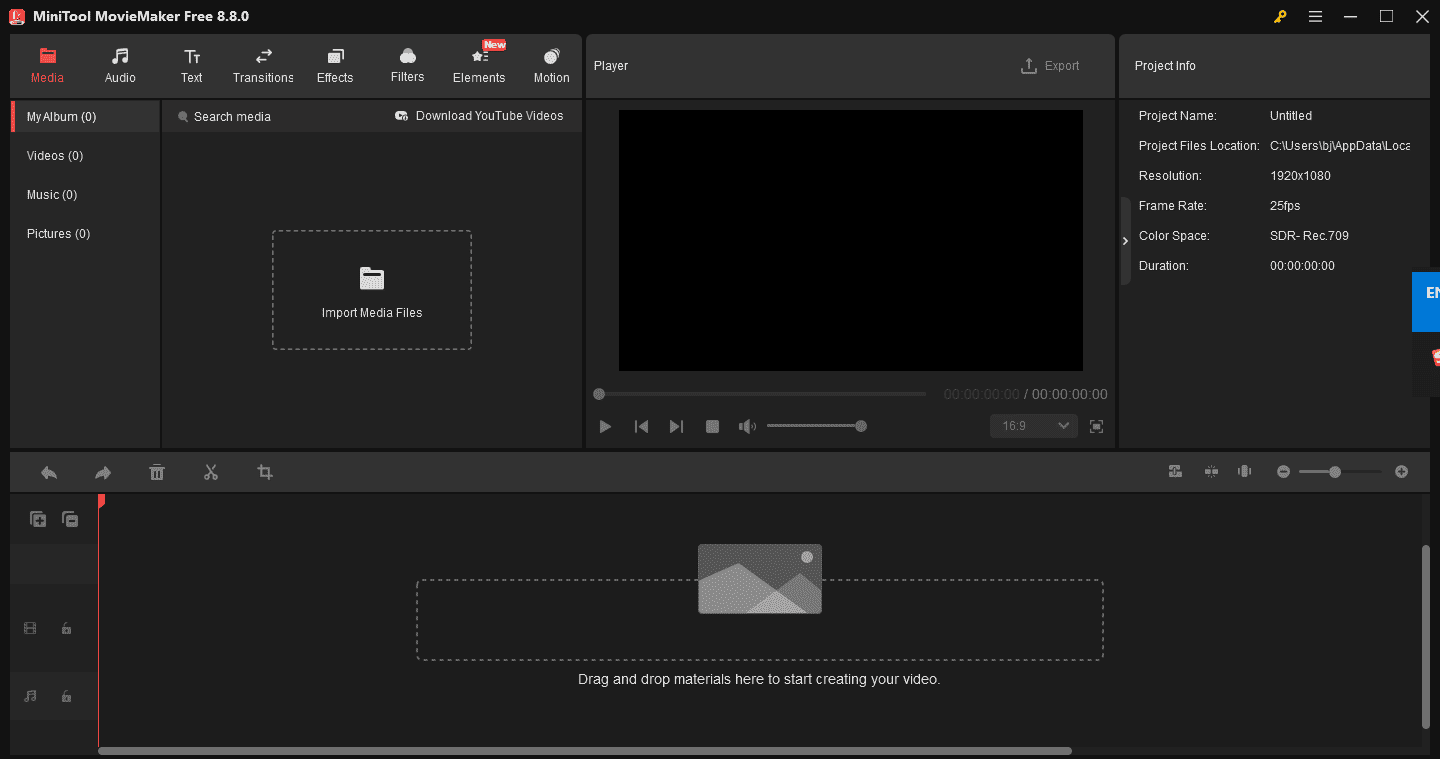
To make invitation videos for some specific occasions, it provides all essential video editing tools. By using assorted available tools of this software, you can merge or split your large videos, add lovely background music into invitation videos.
Various video effects, filters as well as beautiful video transitions are also present in this software to further enhance the invitation video.
Another good virtue of this software is its ability to support multiple videos, audio, and photo formats like WMV, MP4, AVI, MOV, F4V, MKV, 3GP, MPEG-2, WEBM, GIF, and MP3, etc.
MiniTool MovieMakerClick to Download100%Clean & Safe
MovieMaker by MiniTool is an inexpensive, easy-to-use video editing program. It includes a fair number of effects and gives you easy ways to join your clips, add transitions, and overlay objects and text.https://www.pcmag.com/reviews/minitool-moviemaker
2. FlexClip
FlexClip is the next best invitation video maker. It is a very capable video editor through which you can create fantastic video invitations. While you’re making an invitation video, you can add all of its necessary elements to this software, such as background music, video, invitation images, frames, etc.
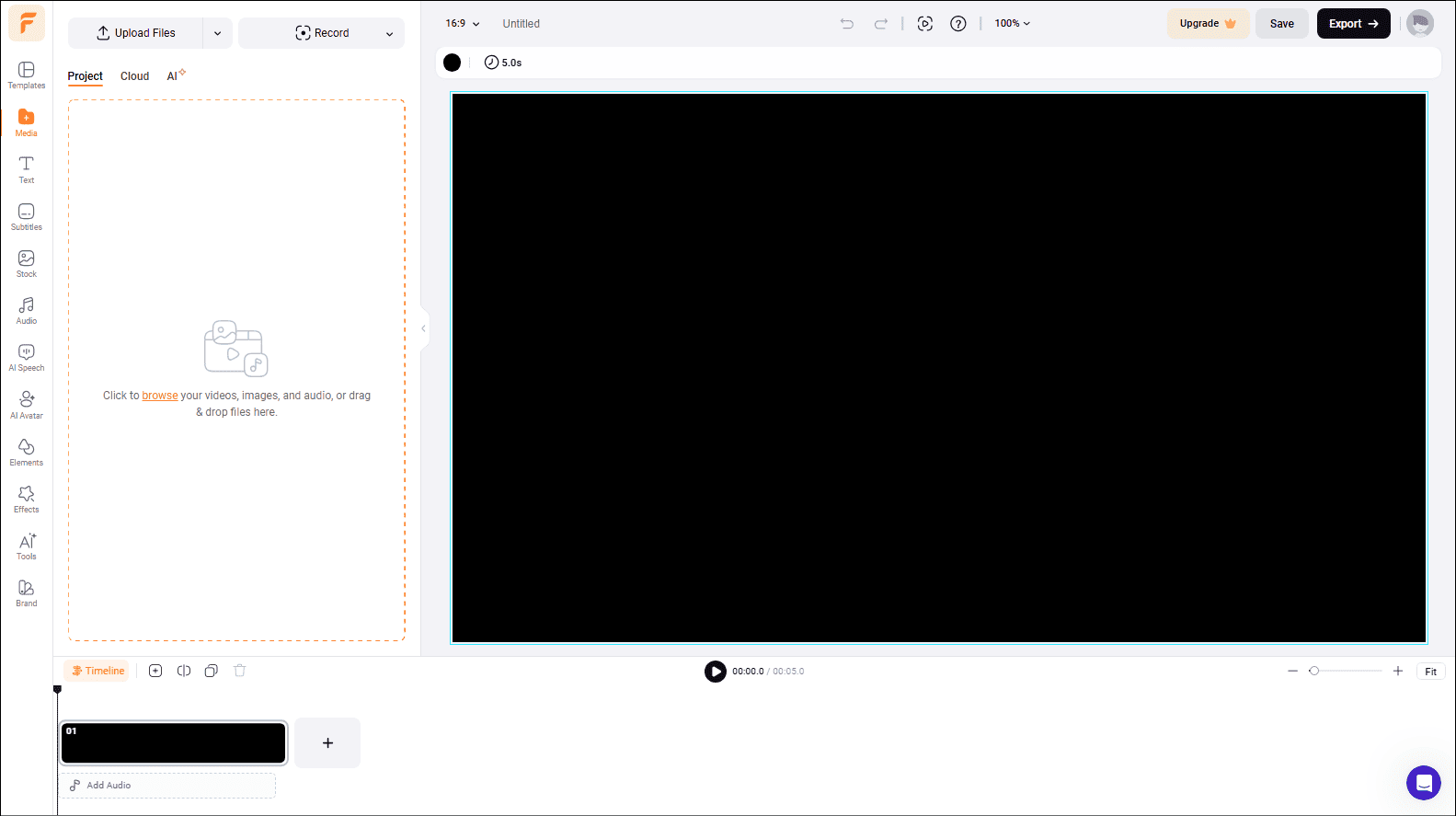
It has rich animated elements. You can make an invitation video more engaging with diverse dynamic text, overlays, widgets, logos, and other animated elements.
Flexclip provides many video templates and helps users make various videos, such as business, lifestyle, and social media. It could be a wedding invitation video maker, birthday celebration invitation maker, and so on.
In the end, this invitation video-making platform has a user-friendly interface, wherein you can make videos without any hassle.
Also read: How to Add Music to Video and Edit It for Free
3. Invideo
Invideo is another invitation video maker. As its name infers, it is a video editing platform that allows you to create and edit invitation videos. Whether it’s a work party, wedding, birthday celebration, or the event of a sale, get the word out with templates that fit every theme and mood.
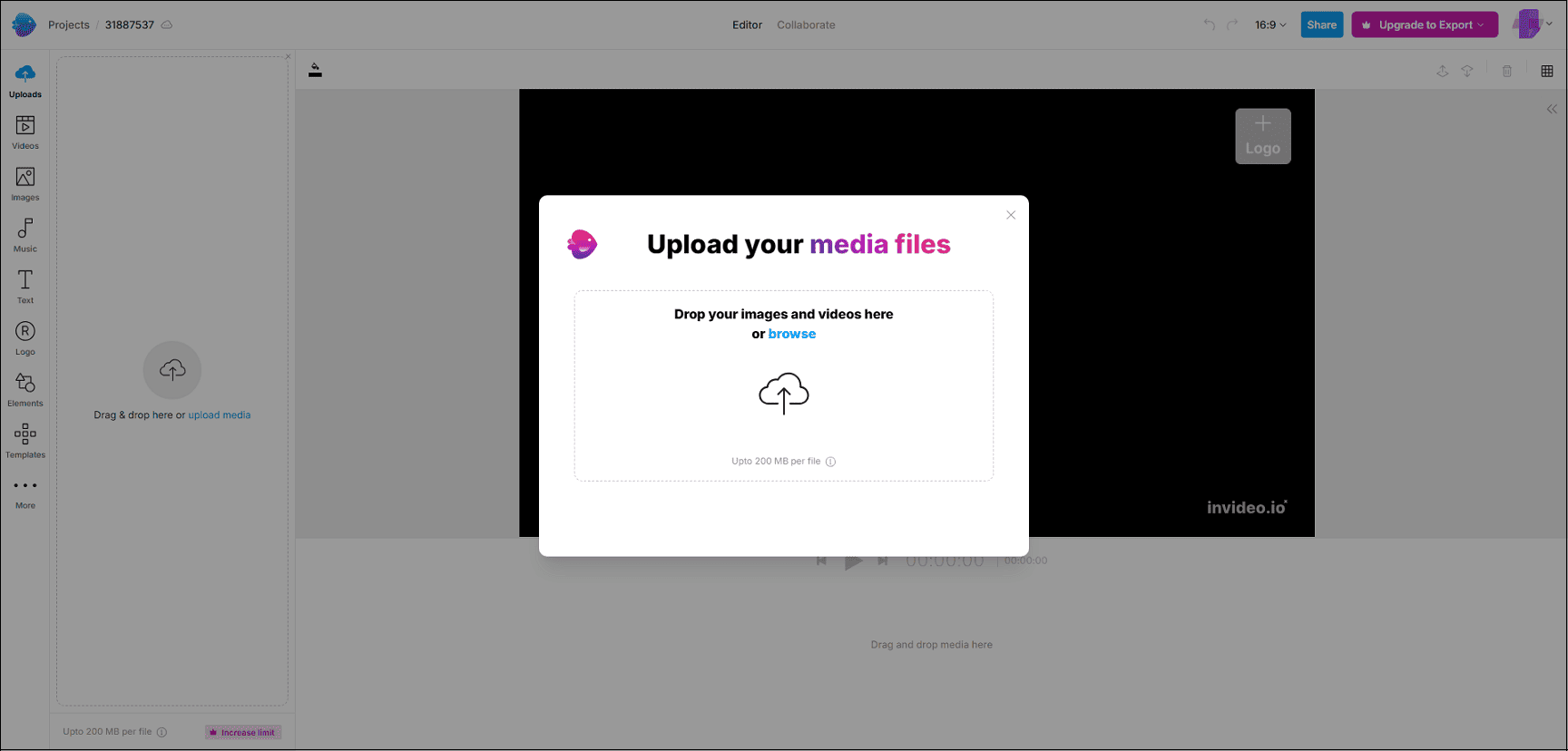
You can pick a theme of your invite and find a template that matches the Invideo invitation maker. Then you may choose eye-catching fonts. Finally, you can add the time and venue!
Last but not least, this beautiful digital invitation video maker tool is very simple to use. It offers both free and paid options. You can select either of them to create an admirable invitation video.
Also read: Top 3 Wedding Videos on YouTube and How to Make A Wedding Video
InVideo is an advanced, professional-grade AI generation and video editing tool designed for filmmakers and high-end professionals looking to create realistic videos.https://www.techradar.com/reviews/invideo-review
4. Animaker
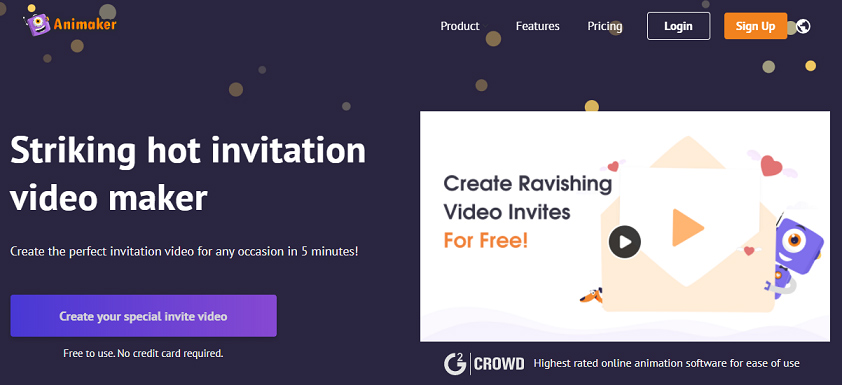
Animaker is another free online animated invitation video maker, and it allows you to make a short video or attention-grabbing invitation. This tool has an easy-to-use user interface. Consequently, in just several clicks, you will be able to produce an amazing video.
Once you accomplished the video invite, you can choose to show it to your loved ones and download it to your computer. You can also directly export to platforms like YouTube and share the invite video link to your guest list.
You’ll find the main page crammed full of templates for you to use, with different formats to suit your needs. There’s also the option of starting with a blank slate.https://www.techradar.com/reviews/animaker-online-video-maker-review
5. Biteable
Biteable is also an online option for you to make jaw-dropping invitation videos. You can create a digital invitation for any occasion and get inspired with dozens of invitation templates in it.
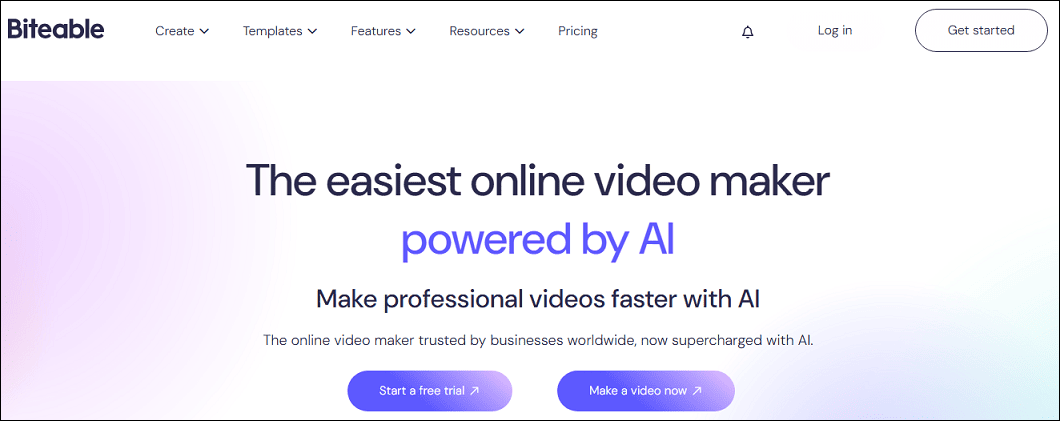
You can also make your video from scratch. Then you can customize your video invite with text, photos, videos, and animations. Next, you can export your video and attach it to your event invite messages and emails.
Within just minutes, you’ll have a charming invite video, and your guests will reply with their RSVPs faster than it takes the bride to say “I do”.
Biteable is a good, albeit expensive, online video maker service, with simple tools to help you quickly create short, professional videos.https://www.techradar.com/reviews/biteable-review
How to Make an Invitation Video
Fast Track Steps:
- Download and install the invitation video maker.
- Import your video clips and images.
- Adjust the photo duration time.
- Add text description, transitions, and music.
- Save and export the video.
1. Open the Invitation Video Maker
Click the button below to download and install the software on your computer.
MiniTool MovieMakerClick to Download100%Clean & Safe
2. Import Media Files
Open the video editor and click New Project to access the main user interface. Click Import Media Files to import all the media files you need, or click the plus icon (+) on the target file, or drag and drop it directly onto the timeline.
3. Change the Photo Duration
If you want to change the duration, click this photo and drag the Duration slider. Click Apply to all to apply the effect to all your photos at once.
4. Add Text
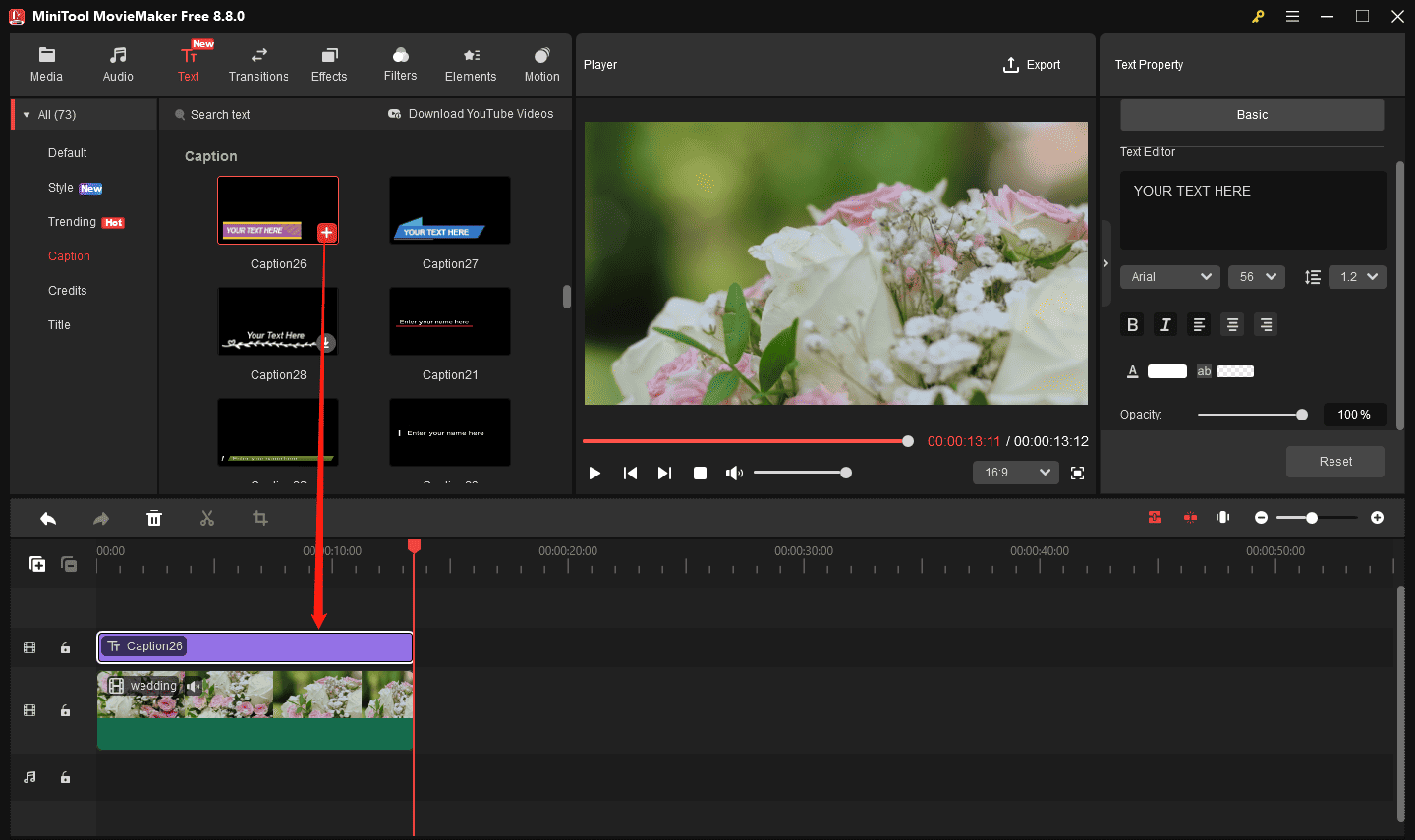
Click the Text button at the top, select Caption, Style, or Default on the left side, select a text template, and add it to the timeline. Next, go to Text Editor on the right to type and edit your text.
5. Add Transitions
The right transitions can make your images and videos come together more naturally. Click the Transitions button, download the transitions you want to apply, then drag and drop the desired transition between two adjacent video clips on the video track. In the Transition Property area, you can edit the transition’s duration or mode to suit your preferences.
6. Add Music
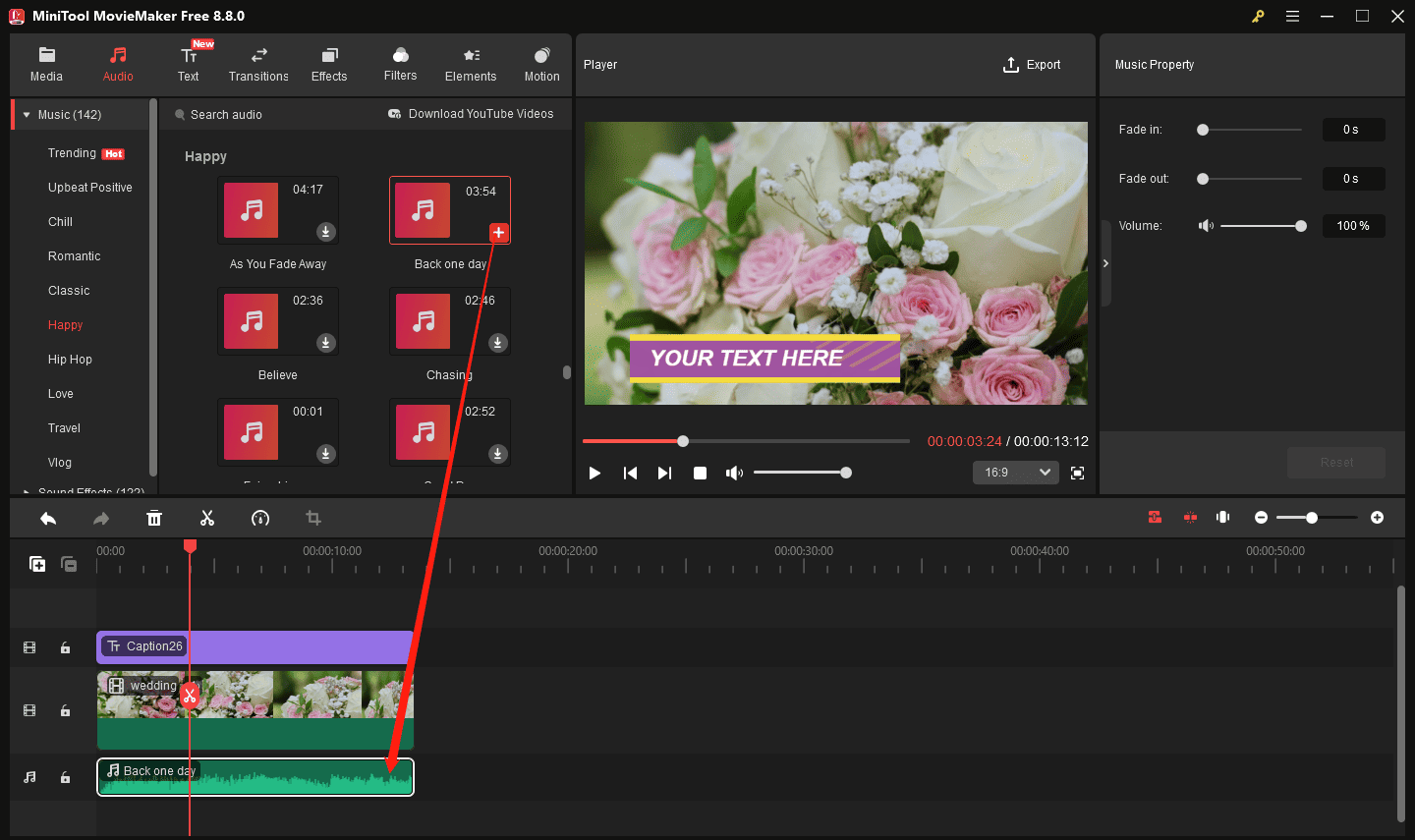
The right background music enhances the whole atmosphere of the video. You can click Audio in the top menu bar and choose Love according to your theme, then click the download icon on the desired music and click the plus icon (+) to add it to the timeline.
7. Export your Video
When you preview the final result of the video and make sure there are no problems, click Export and set the name, save location, format, and resolution of the video, and finally click Export again to save your video.
Conclusion
These are the top 5 invitation video makers. With these platforms, you can save a lot of money and time that are otherwise spent on printing and designing your cards the traditional way. Invite your guests in fashion with these best invitation video maker tools just now!
People Also Ask
2. Import your video and image.
3. Add your text and music.
4. Save and export the video.
About The Author

Position: Columnist
Cora is a tech writer specializing in digital media workflows, with over six years of hands-on experience in video post-production, media transcoding, and screen capture. Her writing is always clear and practical. Cora also produces in-depth software reviews for users across skill levels to help them find the right tool and enjoy video editing.
User Comments :