

This post introduces the five best bulk image resizers available for computers, including BeFunky, Image Resizer, BIRME, Bulk Resize Photos, and IMAGY.APP. With these tools, you can resize multiple images in minutes, improving your image editing efficiency.
Resizing images one by one can be time-consuming, especially when dealing with large batches of photos that share the same resizing requirements. A powerful bulk image resizer comes in handy as it streamlines the overall editing workflow while maintaining consistent dimensions. Therefore, this post compiles a list of online bulk image resizers to boost your editing efficiency.
Bulk Image Resizer 1: BeFunky
BeFunky is a versatile photo editing platform. With its easy drag-and-drop editor and intuitive interface, BeFunky enables beginners to resize and edit multiple photos simultaneously, significantly improving efficiency.
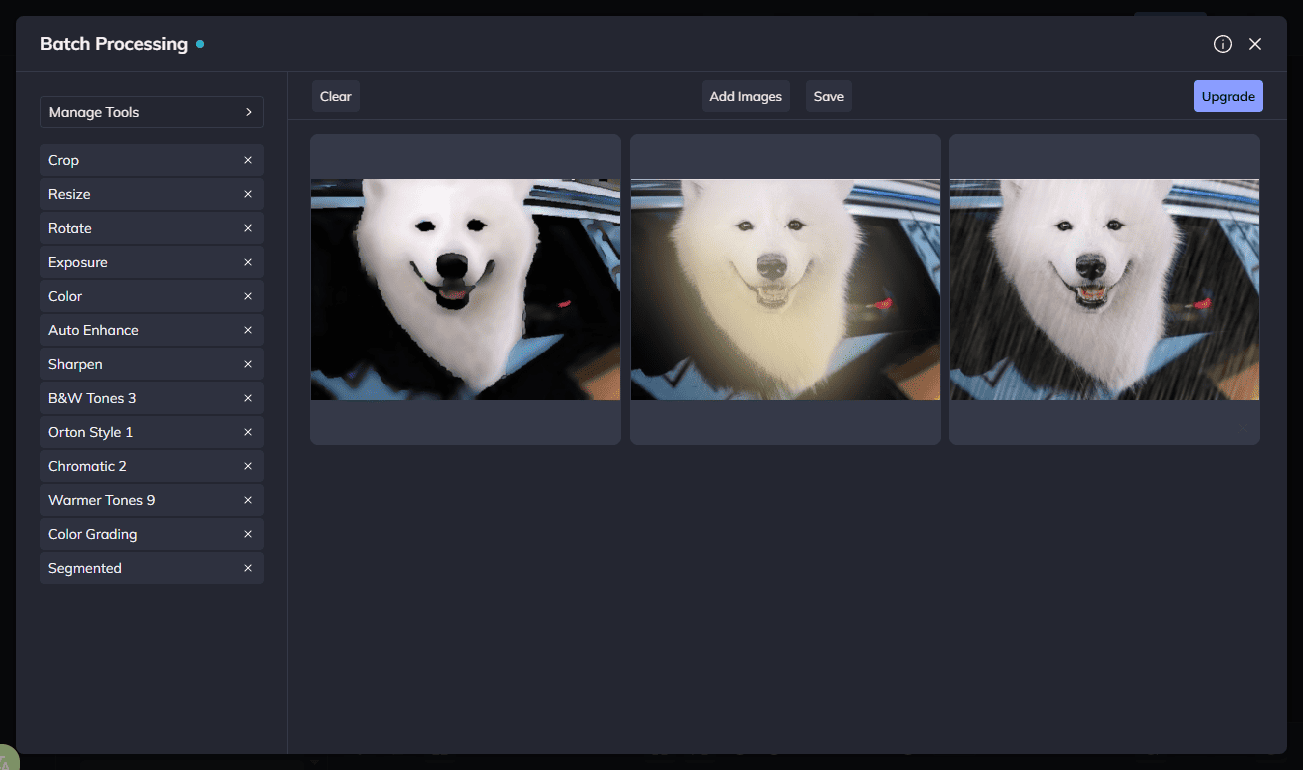
BeFunky allows users to resize photos by percentage or by specifying exact pixel dimensions. You can adjust the image scale, longest side, width, height, and exact size to achieve consistent results across a batch of photos. What’s more, as BeFunky comes with a comprehensive suite of editing tools, you can also batch edit images, such as applying filters, adjusting exposure, and adding watermarks without hassle.
After editing the images, BeFunky allows you to rename image files, select the desired output format, including JPG and PNG, and customize the photo quality, making it an ideal option for both image optimization and file organization.
Bulk Image Resizer 2: ImageResizer
ImageResizer is a user-friendly and simple bulk image resizer tool. It can resize up to 50 JPG or PNG images at a time. Compared with many similar tools, ImageResizer gives you great flexibility and control over dimension settings. You can adjust pixels, inches, centimeters, and millimeters to resize your images. It also provides preset dimensions for popular social media platforms, including Facebook, Instagram, YouTube, and X.
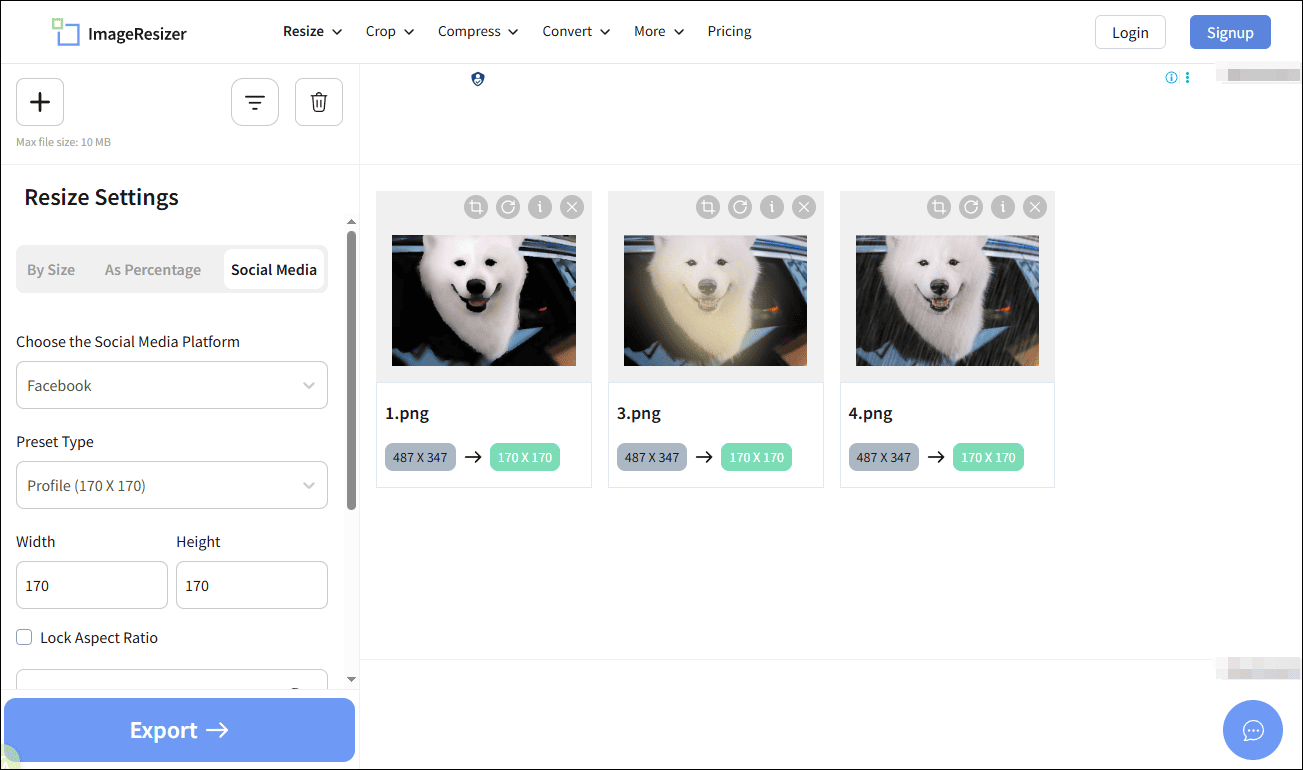
Additionally, ImageResizer includes a background fill option that allows you to choose a custom background color to fill the border or make images transparent. Finally, you can export images in PNG, JPG, or WEBP formats and reduce file size by specifying a target output size.
Beyond bulk resizing, ImageResizer also offers extra features such as image cropping, compression, and format conversion, making it a practical all-in-one solution for basic image optimization tasks.
Bulk Image Resizer 3: BIRME
BIRME is a clean and straightforward online tool specialized in batch image resizing and cropping. It also integrates other necessary editing features, such as adding text or image watermarks and applying borders to images.
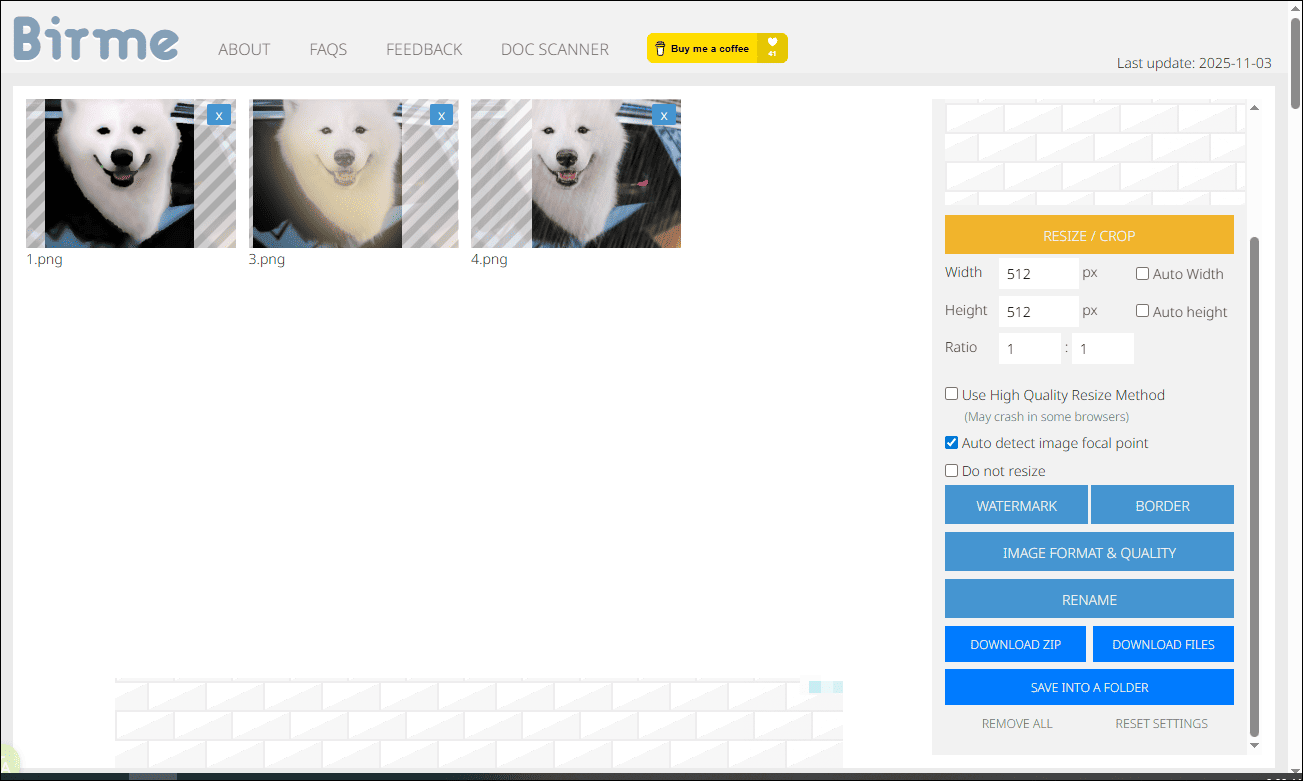
BIRME offers an option to automatically detect the image focal point, ensuring that important details are preserved during resizing. You can also select the option to use a high-quality resizing method, resulting in professional-looking images with ease. Furthermore, it stands out by providing a diverse range of output formats, including JPEG, WEBP, and AVIF. To further improve efficiency, BIRME enables you to download processed images as a zip file or save them into organized folders.
Bulk Image Resizer 4: Bulk Resize Photos
Bulk Resize Photos is another user-friendly and efficient platform designed to resize multiple images simultaneously, with no software installation or registration required.
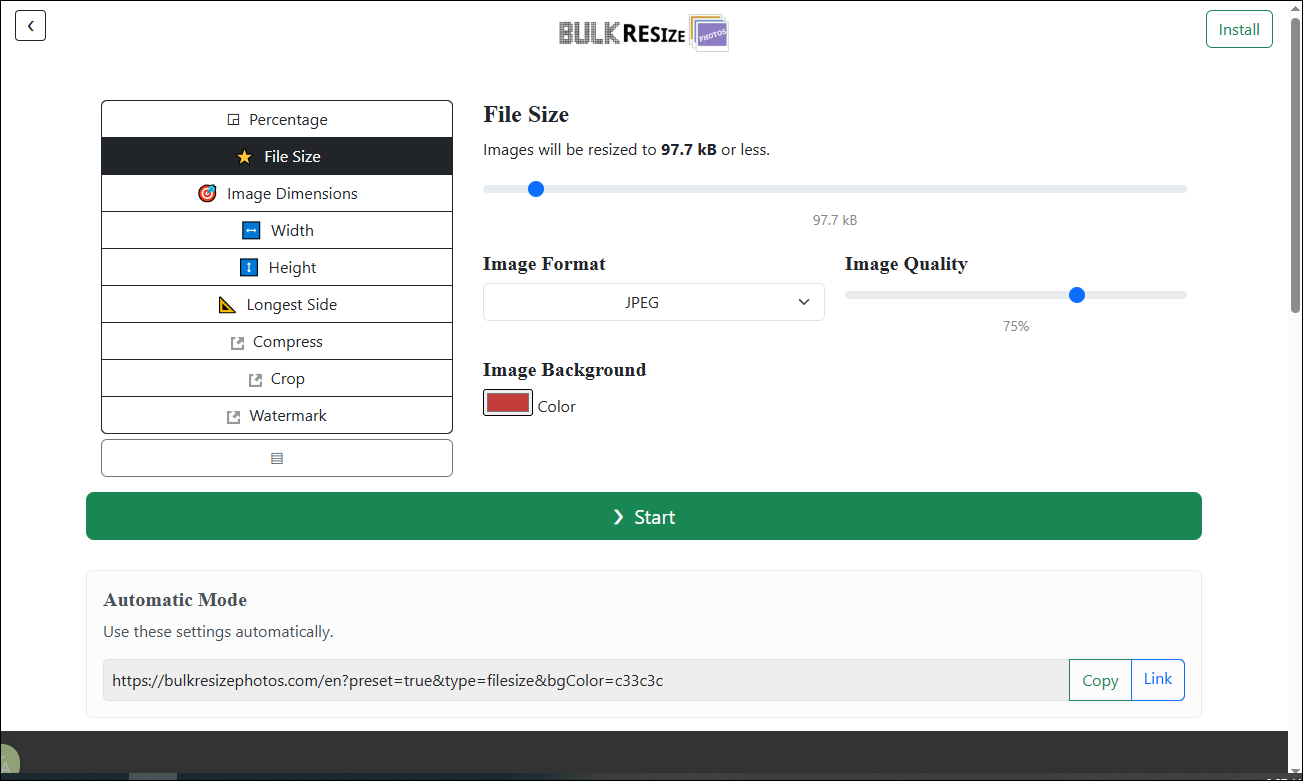
Bulk Resize Photos allows you to quickly adjust photo dimensions by percentage, exact width and height, or preset sizes while maintaining image quality. With an intuitive and clean interface, you can easily customize the image background and target the image quality and file size. Bulk Resize Photos supports exporting images in JPEG, PNG, and WEBP formats.
In addition to batch resizing, it also supports adding watermarks, cropping, and compressing images in batches.
Bulk Image Resizer 5: IMAGY.APP
IMAGY.APP is an all-in-one image editing platform that supports essential tasks such as resizing, converting, compressing, and cropping photos. It offers broad format compatibility, supporting the most popular image formats, including PNG, JPG, BMP, and GIF. Notably, IMAGY.APP places no limits on the number of images uploaded or resized in a single session.
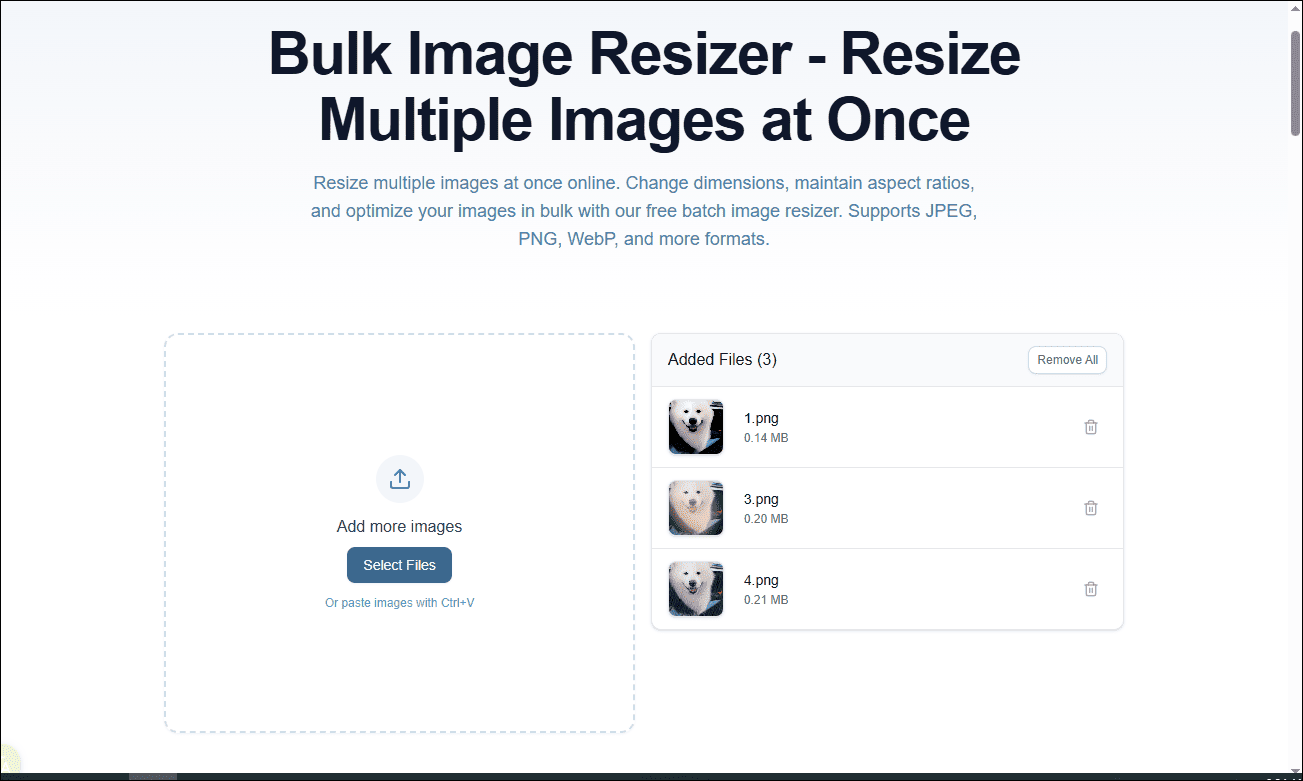
For image resizing, IMAGY.APP allows you to adjust image dimensions by width and height or specify exact pixel values. It also provides additional options such as removing transparency, optimizing color palettes, and converting images to grayscale.
In terms of output, IMAGY.APP enables users to download images individually or as a batch ZIP file, making it a practical choice for improving workflow efficiency.
Conclusion
In conclusion, this post recommends the five excellent bulk image resizers designed to enhance and streamline your photo editing workflow. Each of them can boost your efficiency without losing the image quality. Pick the one that best suits your preference and elevate your digital content to new heights.
User Comments :