

Before we explore the best BMP editors, let’s understand what BMP is.
What Is BMP
BMP is an uncompressed raster image file format designed to contain and display high-quality images on Windows computers. At first, Microsoft created this format to maintain consistent resolution for digital images across different screens and devices. Nowadays, BMP files are already compatible with various devices, like Mac and Android.
BMP supports a wide range of color depths from monochrome to millions of colors, making it ideal for editing but less suitable for web use. Since it stores data without compression, ensuring lossless image quality, files tend to be large. BMP files typically have the .bmp extension.
5 Best BMP Editors
BMP files enable precise pixel-level editing without quality loss, making them ideal for high-quality, lossless image processing in graphic design, digital art, and more high-quality image creation. A great BMP editor can make the whole editing process easier and smoother. In the following content, I’d like to recommend 5 user-friendly and professional BMP editing tools to help you accomplish BMP editing tasks with no effort. Read on for more.
Option 1. Adobe Photoshop
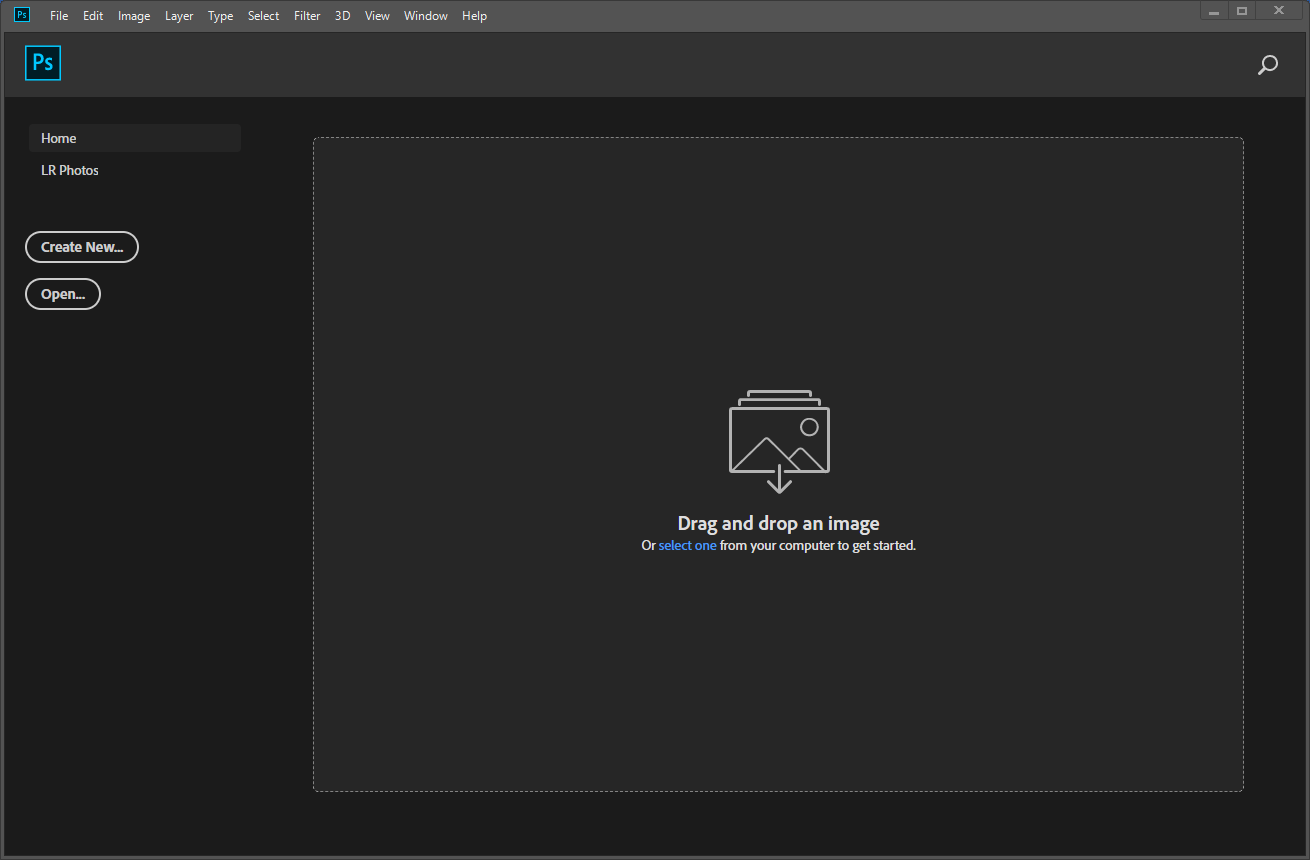
Adobe Photoshop is a powerful and industry-leading desktop program perfect for image editing. It offers multiple tools to edit BMP files, such as layers, brushes, filters, and more. In addition, Photoshop has wide compatibility with various formats, striving to meet your requirements. It is powered by AI, making your editing process even more efficient. Moreover, Photoshop can integrate with other Adobe products, like Illustrator, InDesign, Premiere Pro, etc., offering a seamless workflow.
Pros:
- Powerful graphic editing tools.
- Wide format support.
- Comprehensive image editing functions.
- Seamless ecosystem.
Cons:
- Need a subscription.
Option 2. Wondershare UniConverter
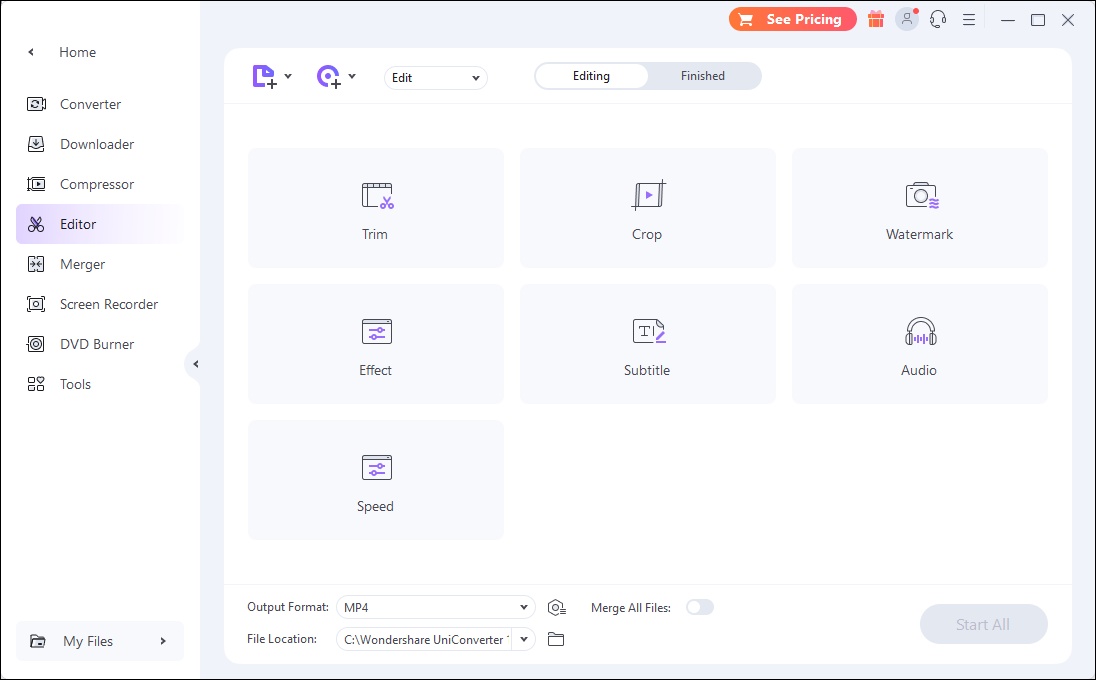
Wondershare UniConverter is a feature-rich and professional application that can handle images, videos, and audio. It offers BMP editing capabilities, allowing users to easily add various effects and filters to photos. Plus, Wondershare UniConverter can do more, like converting videos, editing videos, converting images, burning videos to DVD, etc.
Pros:
- All-in-one features.
- User-friendly.
- Advanced editing tools.
- Great performance.
Cons:
- Limited free functions.
Option 3. Pixlr
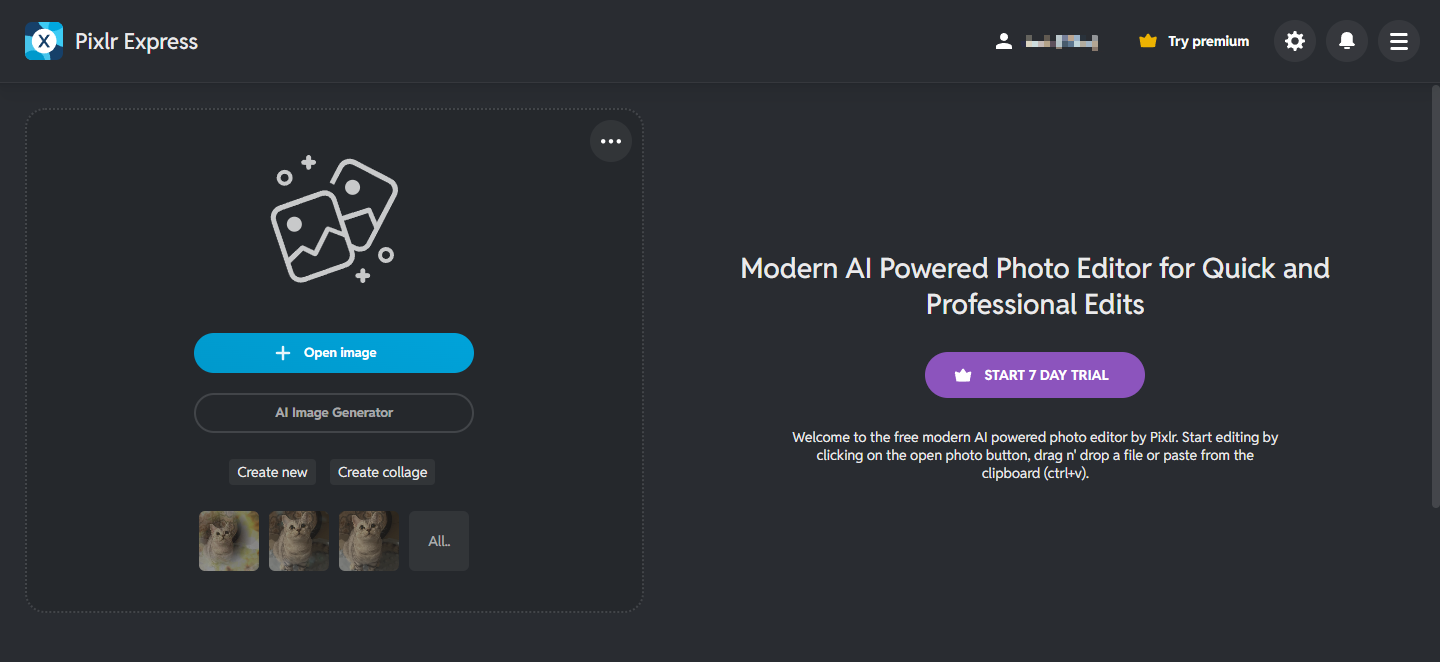
Pixlr is an easy-to-use and online BMP editor that offers an efficient editing process. It has an intuitive interface. So, whether you are beginners or experienced users, you can navigate to each function effortlessly. Besides, Pixlr provides various image editing features, such as basic editing (cropping, rotating, etc.), color correction, drawing, layer-based editing, and so on. More than that, Pixlr offers AI-powered tools, empowering you to generate images, swap faces, batch edit photos, etc.
Pros:
- Ease of use.
- AI-powered tools.
- Multi-platform support.
- Various templates.
- Cloud storage.
Cons:
- Limited offline support.
Option 4. Aspose
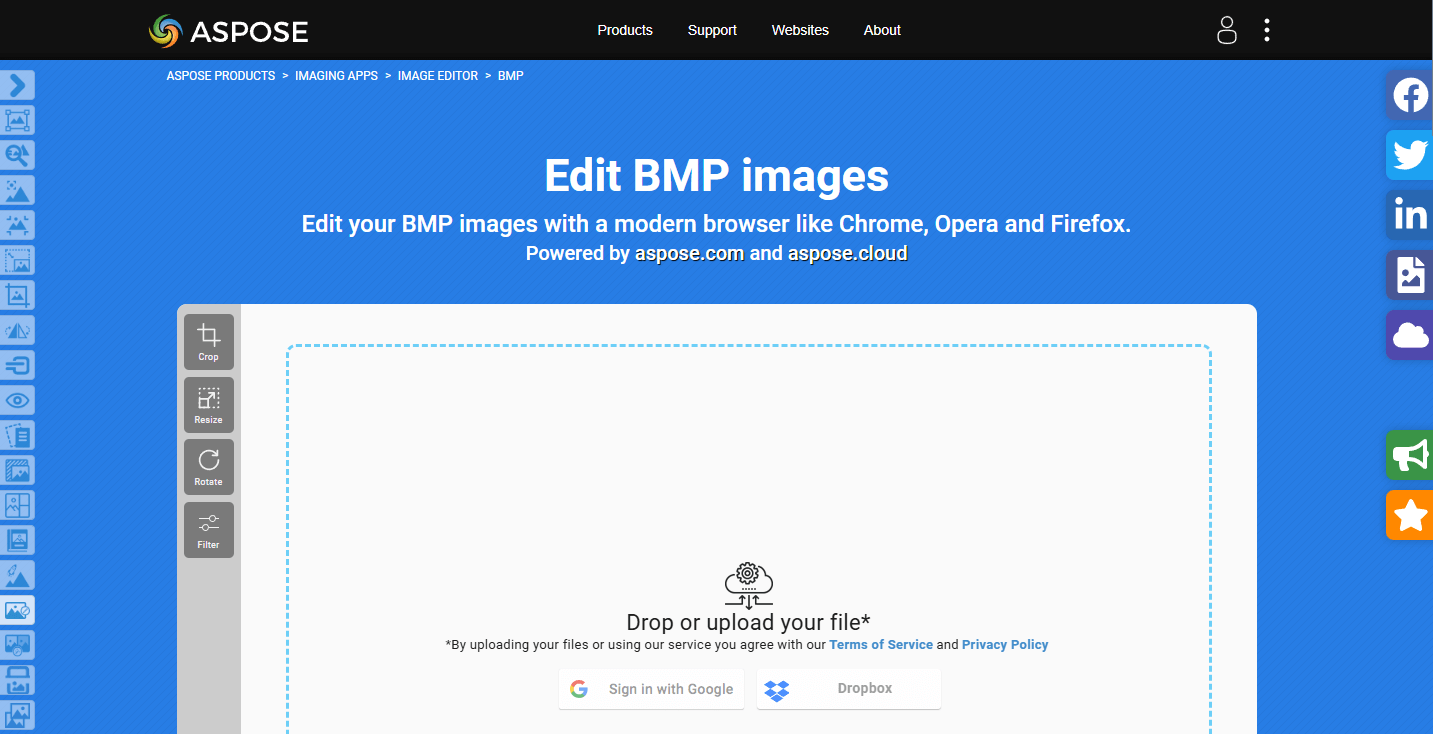
Aspose is a browser-based and all-in-one toolkit that can edit BMP files efficiently. It works with various platforms, like Windows, Mac, Android, etc., allowing you to complete editing tasks anywhere and anytime. Additionally, Aspose supports a wide range of formats, such as BMP, JPG, PNG, GIF, TIF, ICO, and more. It also serves as a file merger, file converter, etc.
Pros:
- Straightforward user interface.
- Comprehensive tools.
- Wide format support.
- User-friendly.
- High-quality outputs.
Cons:
- Some tools can be expensive.
Option 5. GIMP
GIMP, short for GNU Image Manipulation Program, is a powerful and open-source raster graphics editor, allowing you to edit BMP files by cropping, resizing, etc. Plus, GIMP supports layers, filters, text, and various file formats, making it ideal for graphic design, photo editing, and more.
Pros:
- Free and open-source
- Powerful and versatile editing tools.
- Customizable user interface.
- Platform-across.
Cons:
- Steep learning curve.
MiniTool MovieMakerClick to Download100%Clean & Safe
In Summary
This post recommends 5 reliable and expert BMP editors. They are all easy to use and offers various editing features. Feel free to select the one you prefer. Hope this article can be helpful!
User Comments :