

This post offers four of the best apps to put videos together, including MiniTool MovieMaker, Microsoft Clipchamp, CapCut, and Online Video Cutter. With these applications, you can seamlessly combine your videos and transform them into a captivating story.
Nowadays, people prefer to record their daily lives by video and photo, so do I. When I’m on a trip or hanging out, I always enjoy taking videos to preserve interesting or precious moments. Then I’ll have multiple small clips in the gallery. Therefore, I searched on the Internet for an app to put videos together.
Undoubtedly, there are numerous tools available for merging videos on the market. After my test, I’ve selected four of the best video mergers for PC.
MiniTool MovieMaker
MiniTool MovieMaker is an easy-to-use and feature-rich video editor. It has a clean, intuitive, and user-friendly interface, making it a perfect choice for users without video editing experience. If you need a simple app to put videos together, it’s a great option.
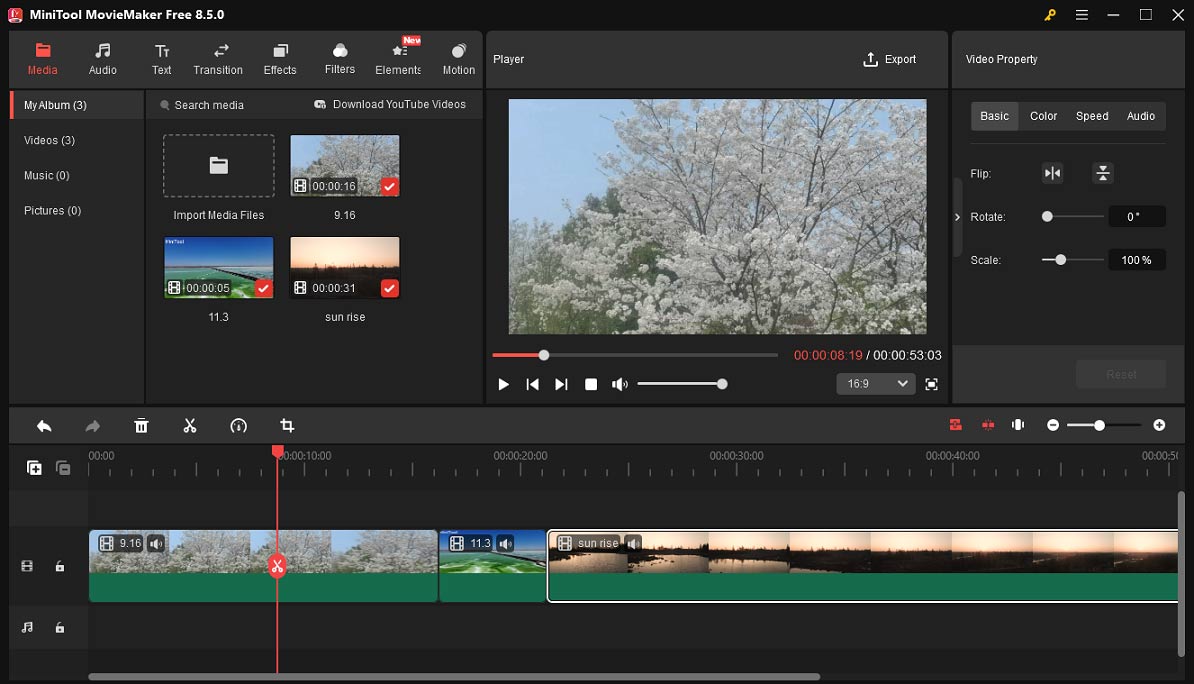
I have used MiniTool MovieMaker many times to join two or more videos together. Its simple drag-and-drop timeline let me easily adjust the clips’ order on the timeline. With its timeline toolbar, I can also adjust the video playback speed, crop videos to adjust dimensions, trim videos to remove unwanted parts at the beginning or end of clips, and play clips in reverse. These features help me turn multiple videos into a more captivating story effortlessly.
Besides, I love the extensive resource library of MiniTool MovieMaker. It provides diverse transitions, effects, filters, stickers, motion effects, and soundtracks to enhance footage with a few clicks. With its multitrack timeline, I can also put several videos in one frame to make collages or create picture-in-picture effects.
Best of all, MiniTool MovieMaker won’t leave watermarks on the exported videos and supports saving videos up to 4K resolution, ensuring clean and high-quality results.
Microsoft Clipchamp
If you’re running Windows 11, just like me, there’s a built-in app to put videos together – Microsoft Clipchamp. Its biggest strength is that it is free to start and can export videos up to 1080P without watermarks and a length limit.
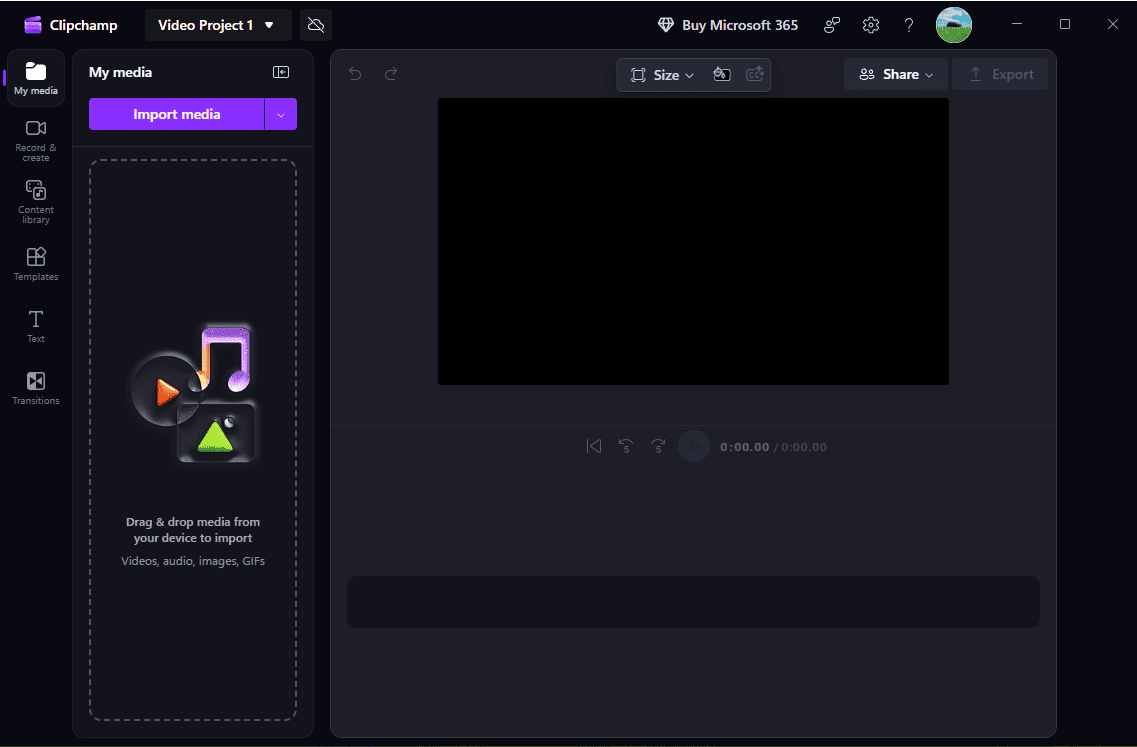
Microsoft Clipchamp works with common video formats, allowing me to merge different types of videos without decoding. After adding clips to the timeline, I can easily arrange them on the timeline. The software also offers various filters, transitions, and effects to turn ordinary footage into vivid stories. It also lets me change the playback speed, adjust the video aspect ratio, add text, correct the clips’ color, and spice my video with a library of royalty-free music, stock videos, and sound effects.
In addition to the basic features, Microsoft Clipchamp provides AI-powered tools, such as auto captions and text-to-speech, to simplify the editing process. Finally, I can export the merged clips into a single MP4 file. However, if I want to render videos at 4K resolution, I have to upgrade to the premium plan.
CapCut
CapCut is another excellent video merger app for PC, especially if you’re a social media content creator. First, it comes with various video templates. While they have some important limitations compared to those on the mobile version, they still effectively make the creation process easier.
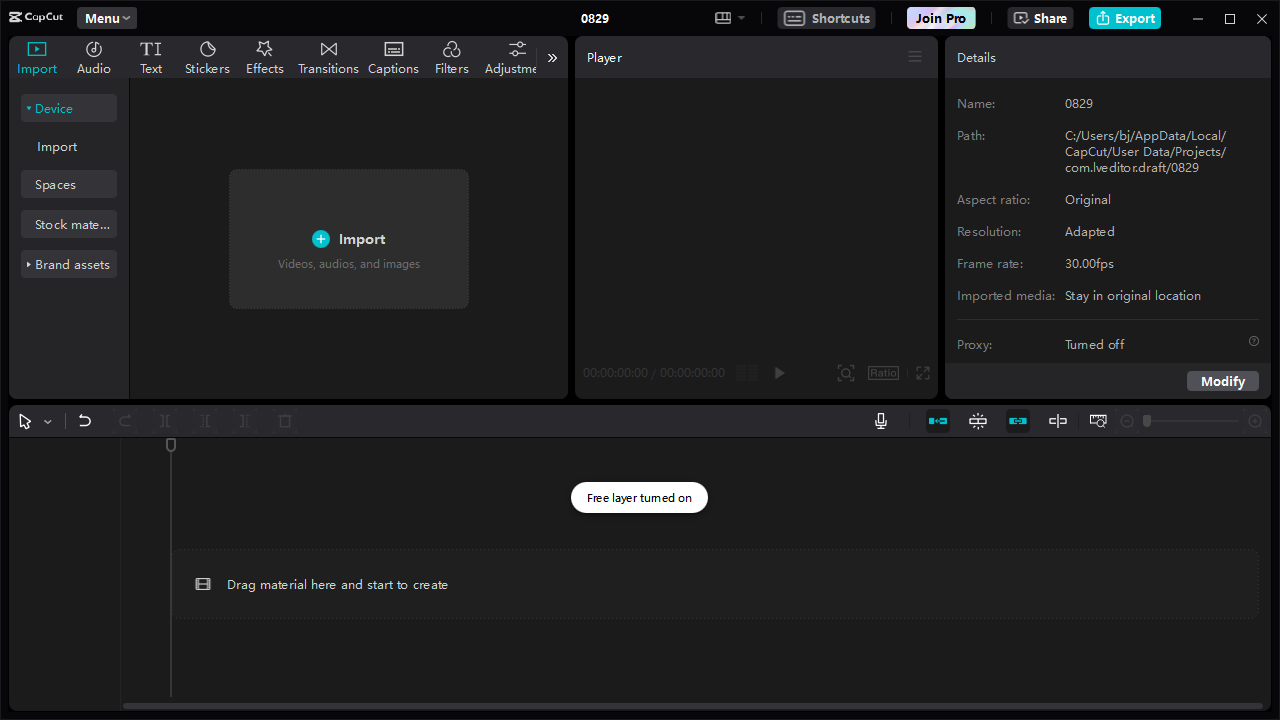
Besides, CapCut provides trending filters, effects, and advanced color correction and grading tools to transform the appearance of your videos and enhance visual storytelling. It also enables you to add text, create split-screen effects, add background, crop videos, apply freeze frame effects, edit body shape in videos, etc.
CapCut’s free version is powerful enough to combine videos, and it exports high-definition videos without watermarks. However, if you want to access some AI features, you need to upgrade to a paid plan.
Online Video Cutter
Sometimes I’m also wondering how to merge videos online without watermarks, especially when I simply join multiple videos and need some essential edits. During my test, I found a great online app to put videos together – Online Video Cutter by 123Apps.
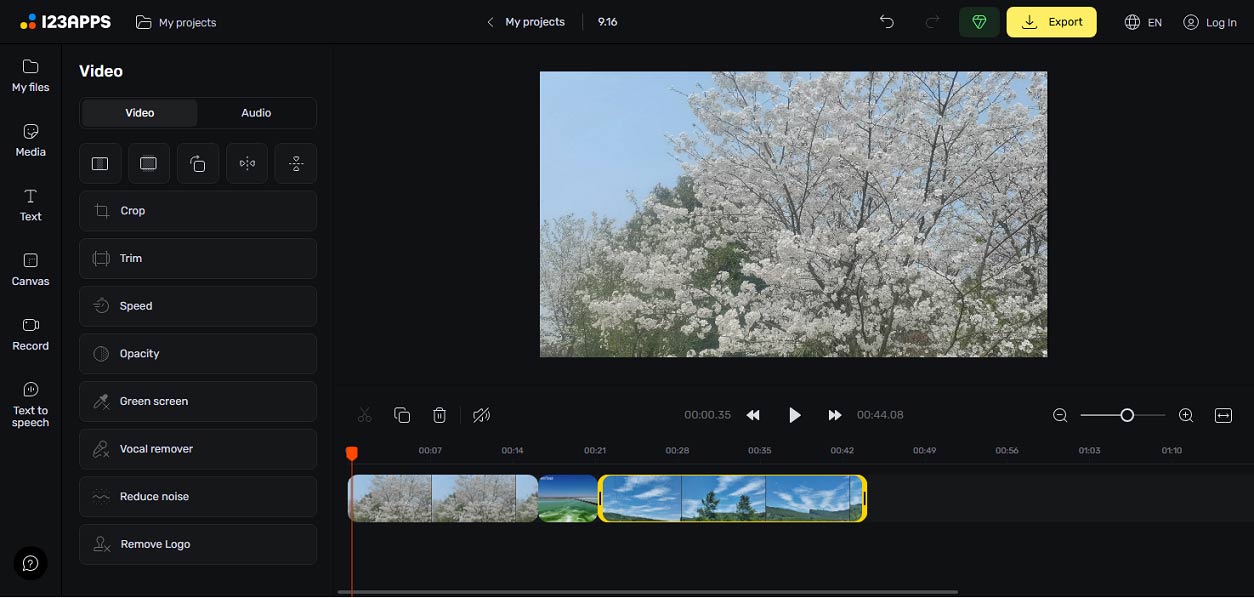
The platform can handle various video formats and offers many editing features. After arranging all my added clips to the timeline, it allows me to crop and trim videos, edit the playback speed, adjust opacity, remove vocals while keeping music, reduce noise, add text, and more.
Finally, I can quickly export the merged videos as an MP4 file up to 720P, because I’m using a free account. If you’d like to export videos in 100P or save videos without the 30-minute length limit, a Premium subscription is required.
Conclusion
According to my experience, these four apps can help you easily put multiple videos together. All of them are easy to use and suitable for beginners and come with features to polish your footage.
About The Author

Position: Columnist
Cora is a tech writer specializing in digital media workflows, with over six years of hands-on experience in video post-production, media transcoding, and screen capture. Her writing is always clear and practical. Cora also produces in-depth software reviews for users across skill levels to help them find the right tool and enjoy video editing.
User Comments :