

What Is a Low-Quality Image Maker
A low-quality image maker is a tool designed to intentionally reduce the quality of an image. Instead of enhancing sharpness or resolution, it does the opposite by lowering clarity, adding compression, or creating pixelation effects. This process typically reduces file size and simplifies image details.
A low-quality image maker can be useful in several scenarios. For example, it helps reduce image size for faster uploads and sharing, especially on websites or social media platforms. It can also be used to create specific visual styles, such as retro, glitch, or pixel art effects. In addition, lowering image quality is sometimes necessary to meet file size limits for online submissions.
In the following section, I will introduce three online low-quality image makers. Let’s take a closer look at each of them.
Low-Quality Image Maker 1: Low Quality Image
Low Quality Image is a simple and straightforward online tool designed specifically to reduce image quality. Unlike multifunctional editors, it focuses on a single task—making images look lower in quality through compression and resolution reduction. This makes it a good choice for quick edits without any complicated settings.
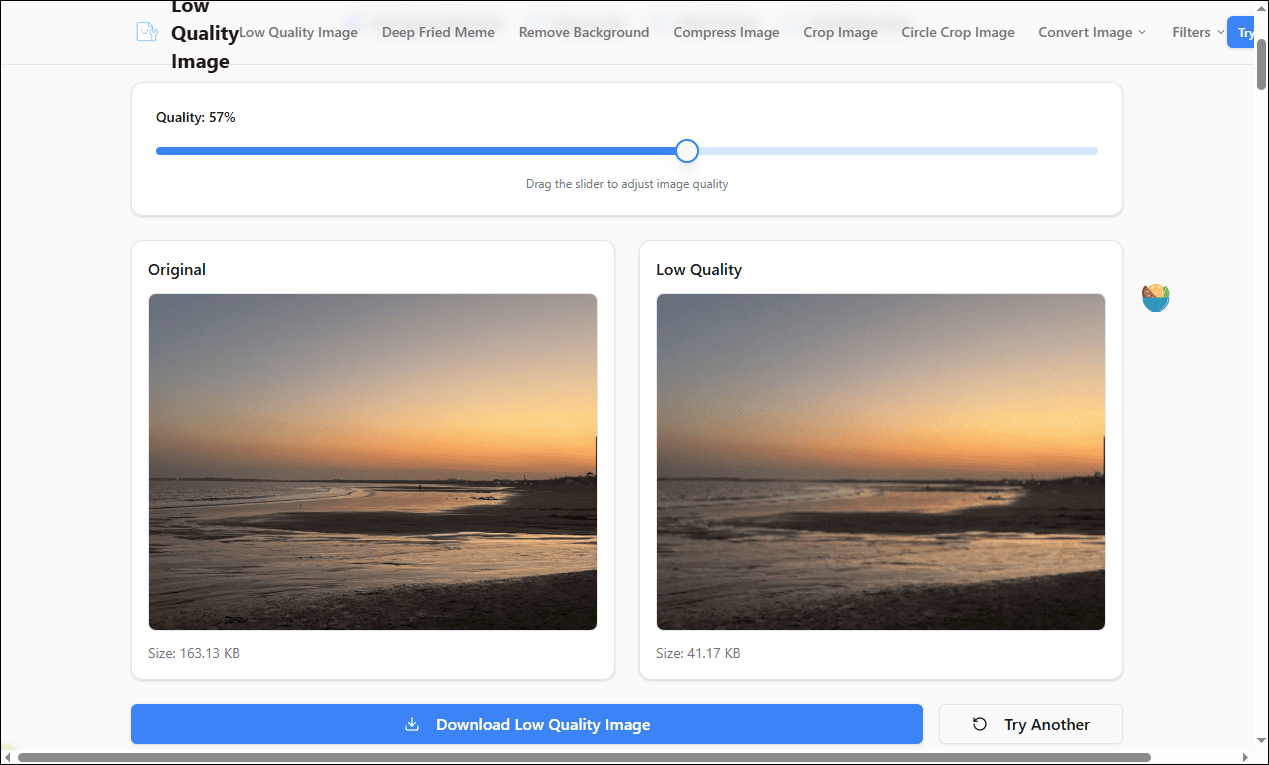
Low Quality Image supports JPG, PNG, and WebP formats and allows me to process files up to 100MB in size. After uploading an image, I can adjust the compression level to control how much the quality is reduced. As the compression increases, the image becomes more pixelated and loses fine details. The interface is minimal, so the entire process only takes a few seconds from upload to download.
In addition, the platform offers other standalone image tools, such as background removal and sepia effects. Overall, it is ideal for users who want a quick and easy way to reduce image quality without dealing with complex editing software.
Low-Quality Image Maker 2: LunaPic
LunaPic is a versatile online image editor that offers a wide range of editing tools, including options to reduce image quality. Compared with single-purpose tools, it provides more flexibility, allowing me to adjust images in multiple ways while also lowering their quality.
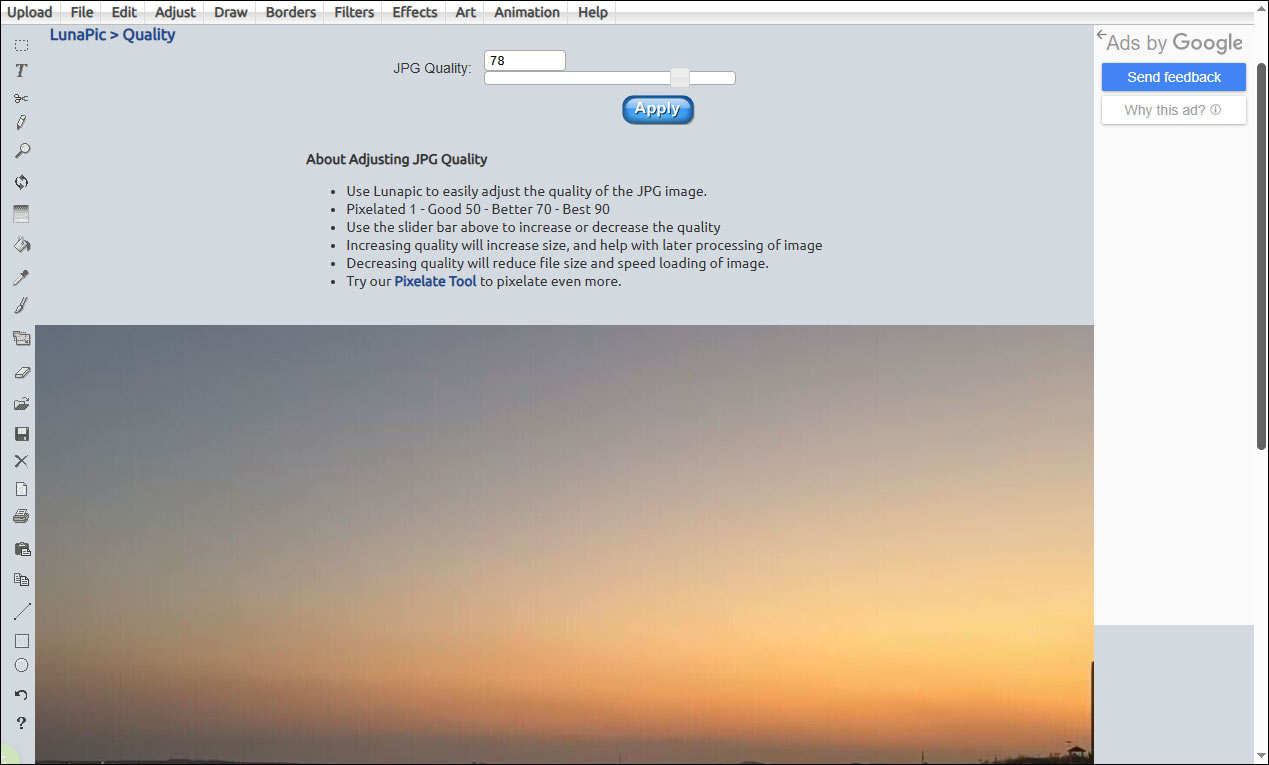
To create a low-quality effect, I can upload an image and reduce its quality by moving the slider or by entering a concrete value. Then, the platform will automatically reduce the image quality. What’s more, it also provides additional tools, such as resizing or cropping the images, to help reduce file size.
Another advantage of LunaPic is its extensive editing features. In addition to quality reduction, I can apply filters, add effects, draw on images, or perform basic adjustments. This makes it suitable not only for reducing image quality but also for creating more customized visual results.
Overall, LunaPic is a good choice for users who want more control and additional editing options while reducing image quality online.
![How to Make a Photo Less MB on Windows [Ultimate Guide]](https://images.minitool.com/moviemaker.minitool.com/images/uploads/2026/03/how-to-make-a-photo-less-mb-thumbnail.jpg)
Low-Quality Image Maker 3: Online Tools
Online Tools is a convenient web-based platform that offers a variety of simple utilities. When it comes to reducing image quality, it strikes a balance between visual quality and file size. I can create digital distortion effects to achieve a nostalgic look by adding block, blur, and digital grain to an image.
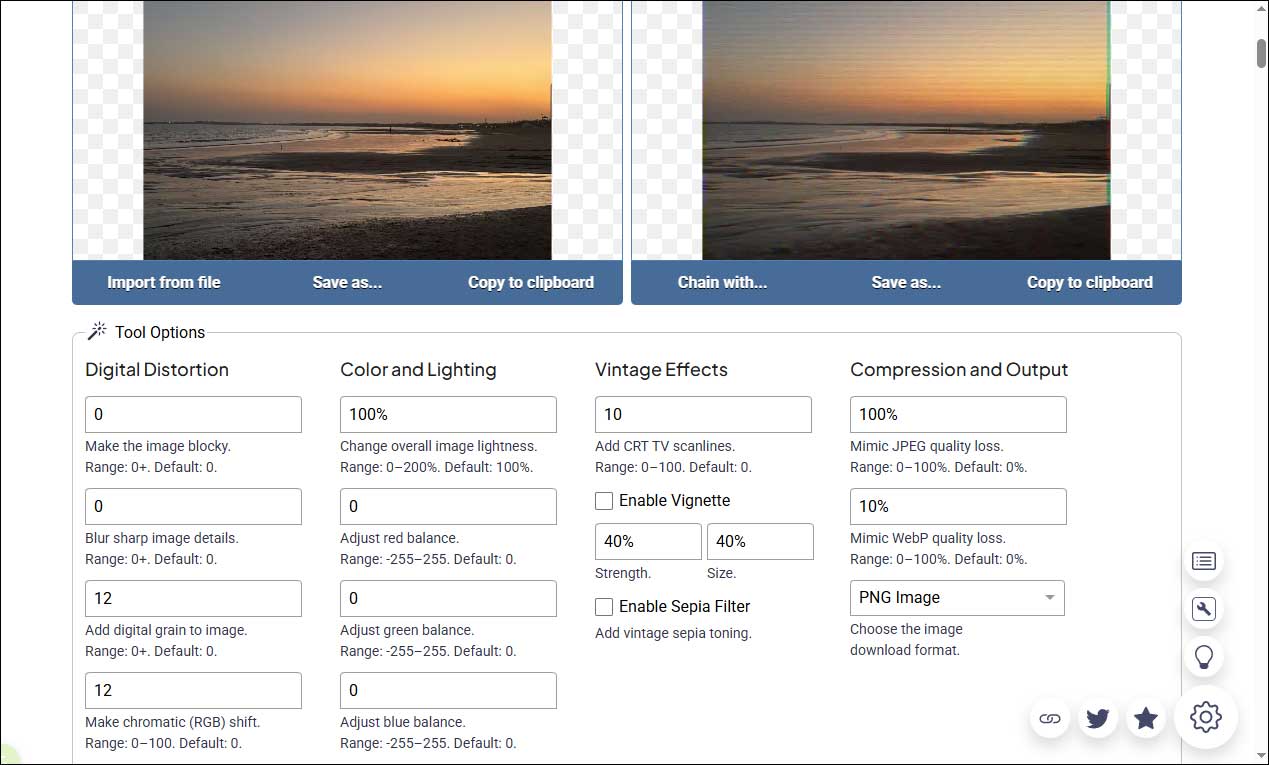
This tool also allows me to adjust image brightness and color balance directly. It includes vintage effect settings and a sepia filter for additional styling. In addition, Online Tools provides other useful image editing tools, such as skewing images, converting TIFF to BMP, and pixelating a license plate in an image. These features are helpful when I need to prepare images for sharing or preservation.
Overall, Online Tools is a practical choice for users who want a simple and efficient way to reduce image quality online.
Conclusion
Low-quality image makers are useful tools for both practical and creative purposes. Whether for reducing file size for faster uploads or creating a pixelated, vintage-style effect, the tools mentioned above make the process simple and efficient. Hope this article helps you a lot.
User Comments :