

What Is Hue
In color theory, hue refers to the purest, most fundamental colors in the spectrum, such as red, blue, yellow, green, and so on. It’s the essential characteristic that enables us to identify colors, creating the spectrum on a color wheel with gray, white, and black having no hue. Plus, hue is one of the three primary attributes of color, the other two being saturation and brightness. Changing the hue affects the color itself without changing its brightness or intensity.
Are Hue and Color the Same Thing
Are hue and color the same thing? No, they aren’t. Color is the general term for all visual perceptions, whereas hue refers to the pure, dominant color on the color wheel, like red, blue, or green. For example, a light green object is one color, but its hue is green. When white is added, it becomes a tint of that hue.
5 Image Hue Changers for Windows
People usually unleash their creativity by adjusting image hues to achieve artistic effects, alter the mood of a scene, correct color casts, and make photographs more vivid or distinctive. To change image hue, I recommend five reliable hue changers below.
Option 1. Fotor
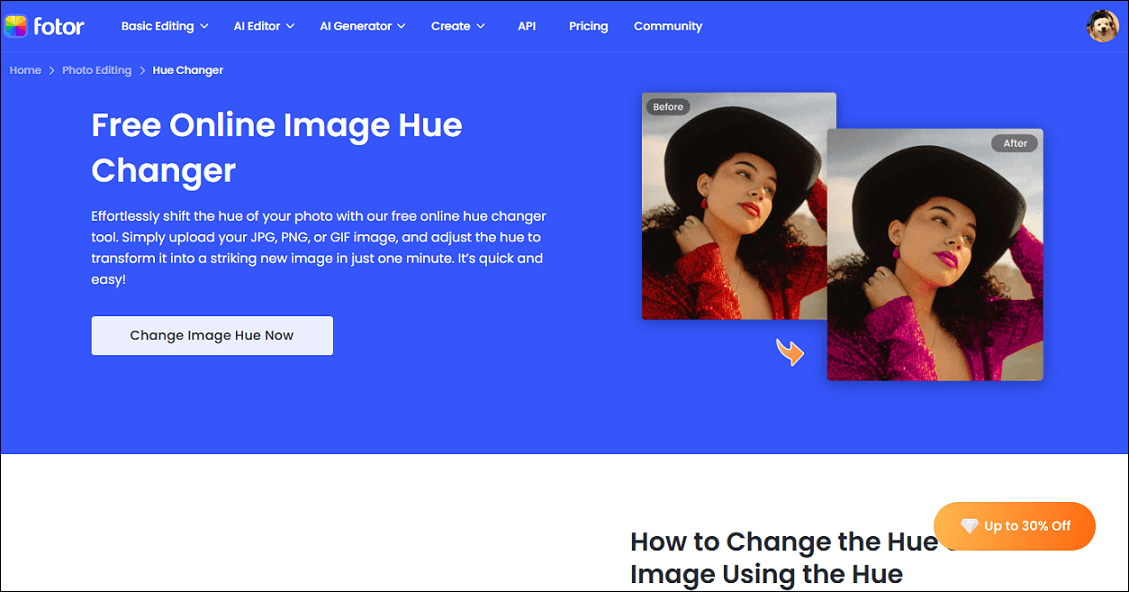
Fotor is a browser-based and professional hue changer that can modify the hue of your image efficiently. Plus, it ensures that every color adjustment preserves the original image’s quality and clarity.
Except for basic hue adjustments, Fotor also offers a variety of advanced editing tools that allow for precise tweaking of parameters such as contrast, saturation, and brightness. Moreover, Fotor supports multiple image formats, like JPG, PNG, and GIF.
Pros:
- Ease of use.
- High-quality results.
- Support multiple formats.
- Versatile functions.
- AI-powered tools.
Cons:
- Limited advanced features.
Option 2. LightX
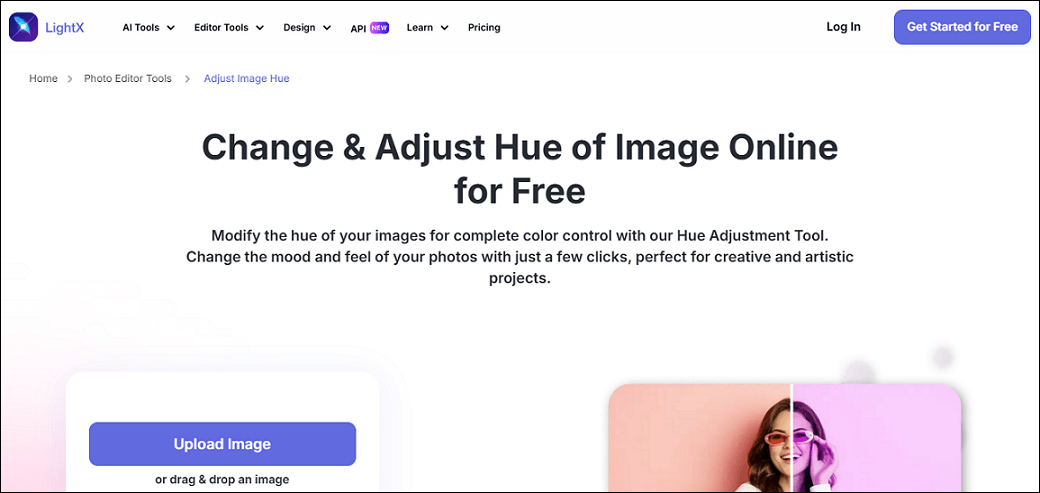
LightX is an AI-powered hue changer that comes with a comprehensive image color adjustment tool. You can adjust image hue by inputting a precise number. In addition, LightX empowers you to change image exposure, shadows, saturation, temperature, and more. With LightX, you can create unique and stunning pictures.
Pros:
- User-friendly.
- AI-powered.
- All-in-one platform.
- Preserve image resolution.
- Offer comprehensive color adjustment tools.
Cons:
- Too many features may overwhelm new users.
Option 3. PineTools
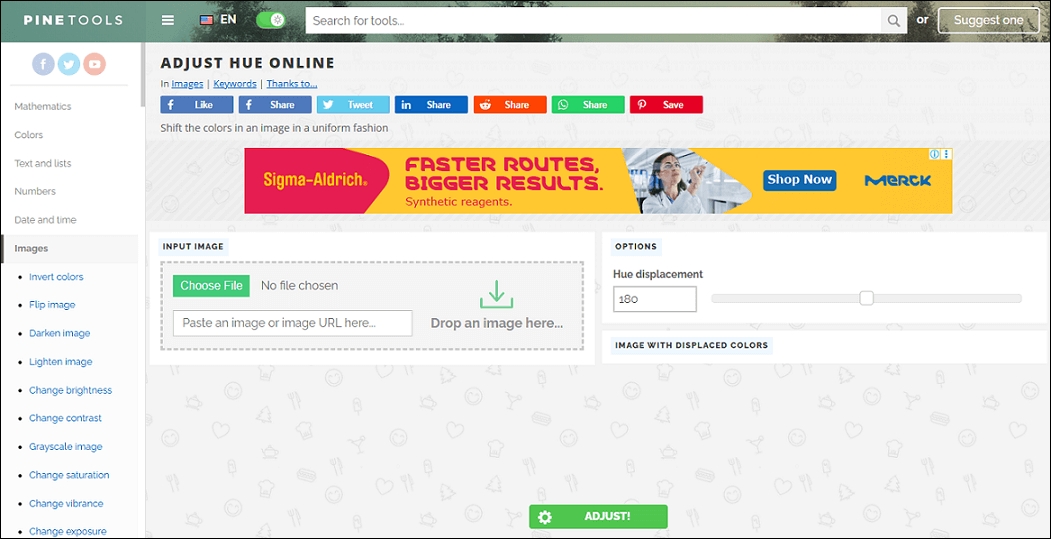
PineTools is a popular and free online tool that can change image hue in a flash. It has a user-friendly interface, which includes all the tools. Besides, PineTools is capable of resizing, cropping, rotating, merging, and changing image brightness and saturation. PineTools offers a simple and efficient suite of tools to meet all your daily image editing needs.
Pros:
- Free and easy to access.
- Customization options.
- Multiple image editing tools.
Cons:
- Free conversion includes ads.
Option 4. Gifgit
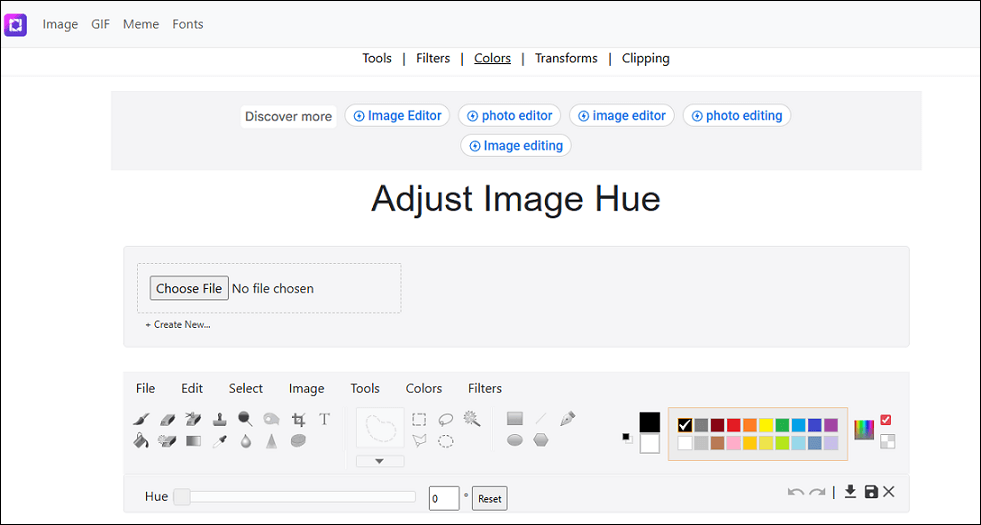
Gifgit is a powerful online hue changer that has comprehensive features. It can change image hue, contrast, saturation, etc. Plus, Gifgit provides multiple image editing tools, like a crop tool, burn tool, clone stamp tool, brush tool, blur tool, and more. Moreover, Gifgit can serve as a background eraser, meme generator, GIF creator, and more.
Pros:
- Easy to use.
- No installation.
- Comprehensive image editing tools.
Cons:
- Limited advanced functions.
Option 5. CocoShot
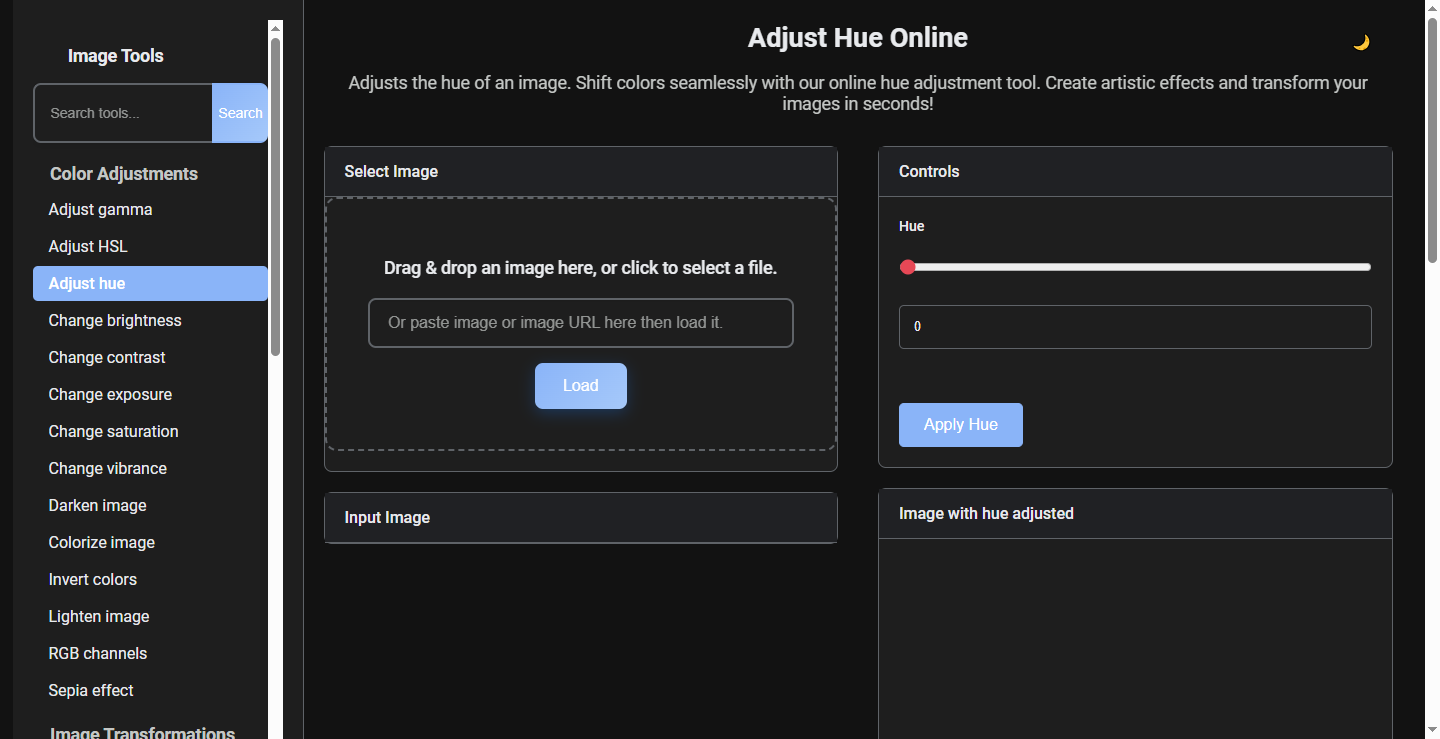
CocoShot is an easy-to-use online image editor that can change image hue, brightness, contrast, exposure, saturation, vibrance, and more. It has a straightforward user interface, allowing everyone to easily navigate and accomplish editing tasks with no hassle.
Pros:
- Needs no installation.
- Simple layout and easy to use.
- Various color adjustment tools.
- Comprehensive image editing tools.
Cons:
- Limited advanced features.
Bonus: How to Change Video Color
Looking for methods to adjust video color? MiniTool MovieMaker definitely deserves a try. It is a free video editor that supports a variety of editing functions, like cropping, trimming, color correction, high-quality editing, video text overlay, and more. This program has no ads, bundles, or watermarks, providing a joyful user experience. Click the download button below and give it a try!
MiniTool MovieMakerClick to Download100%Clean & Safe
In Summary
This post recommends five free and reliable hue changers to help you change image hue with ease. If you want to change the color of a video, MiniTool MovieMaker can do you a big favor. Hope this article can be helpful!
User Comments :