

As the first visual impression, an eBook cover conveys the essence of your book and grabs the attention of potential readers. Wondering how to make an eBook cover with ease? This post introduces five easy-to-use online eBook cover makers, including Canva, Adobe Express, Kittl, Pixlr, and Typeset.
Before digging into these tools, it’s essential to understand the key elements that make up a great eBook cover.
What Makes a Good eBook Cover
First and foremost, a good eBook cover should include the essential elements, including the book title, the author’s name, and relevant graphics or illustrations. You can also add some stickers or icons to enhance the visual appeal of your cover.
What’s more, size specifications for eBook covers vary across platforms. For example, Amazon recommends a size of 2560 × 1600 pixels with a 1.6:1 aspect ratio, which is also the ideal size. The preferred formats are JPEG or TIFF, at 300 DPI, with a file size under 5 MB.
Beyond meeting these essential requirements, a high-quality eBook cover should balance the basic elements to create a visually appealing layout while also reflecting the book’s genre and theme.
5 Best eBook Cover Makers
Now let’s take a closer look at the five top eBook cover makers.
Option 1: Canva
Canva is a popular design platform that allows users to create a wide range of visual content.
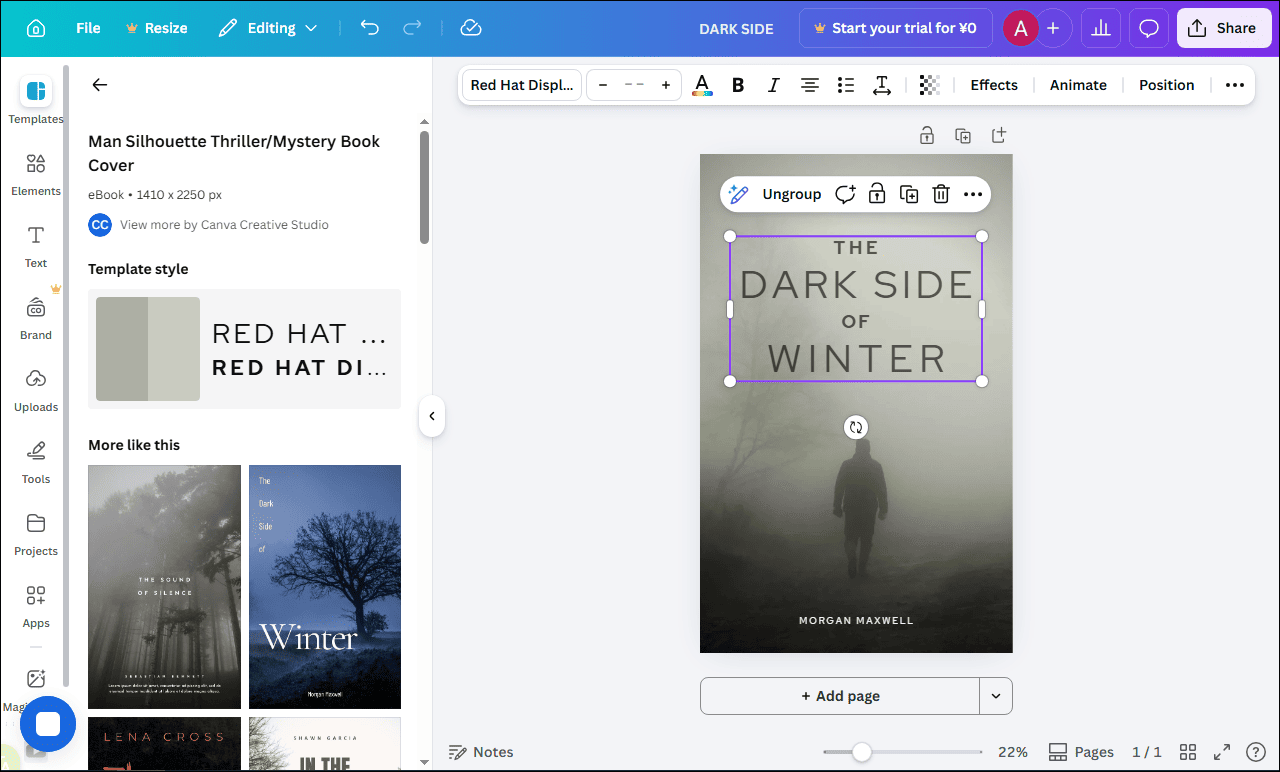
When it comes to creating eBook covers, Canva offers a variety of pre-made templates categorized by genre, style, and theme. With its easy-to-use drag-and-drop editor, Canva lets you easily customize these templates by modifying elements such as text, images, and colors, allowing you to add a personal touch to your cover.
Additionally, Canva provides an extensive library of resources, including millions of graphics and tons of fonts, making it an ideal choice for designing a stunning eBook cover. You can download the cover in PNG, JPG, or PDF format, or directly share it on your social media platforms.
Option 2: Adobe Express
Adobe Express is another recommended design platform. Its intuitive interface and layer-based editor empower you to create various types of content, such as business cards, Etsy banners, and social media posts.
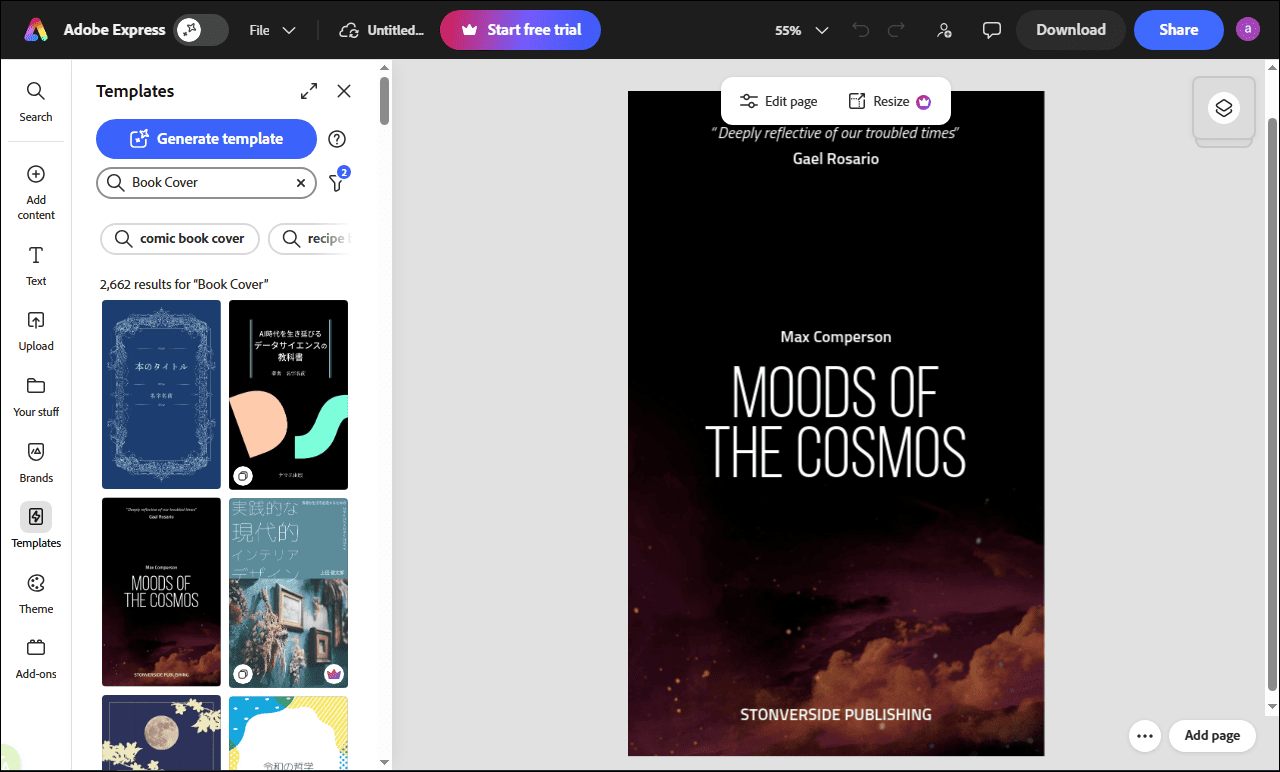
For creating eBook covers, Adobe Express offers a wide selection of professionally designed templates. If you prefer a more personalized approach, the platform also allows you to start from scratch, offering access to a vast collection of royalty-free images.
Option 3: Kittl
Kittl is an AI-powered design tool that’s useful for creating eBook covers. It offers ready-to-use templates and a suite of editing tools, including image reframing, background removal, vector editing, and mockups.
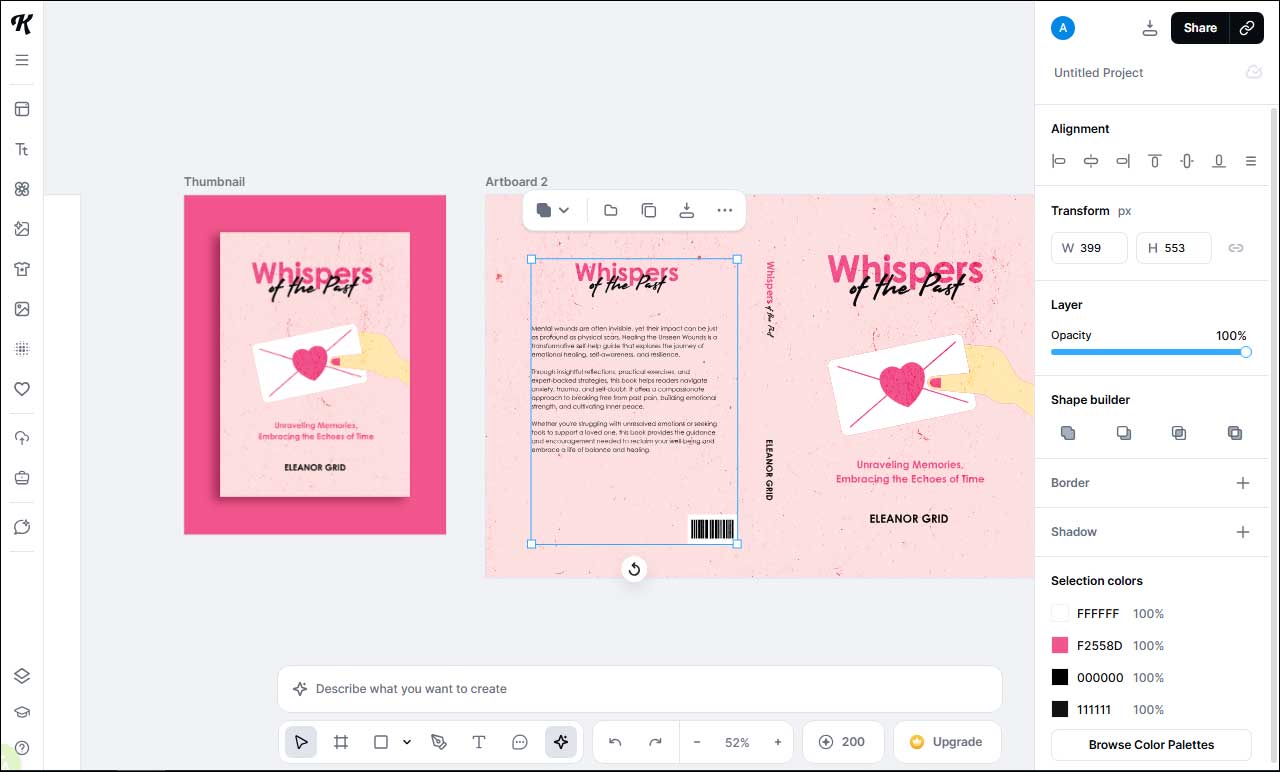
After selecting your desired template, you can customize the color, adjust the eBook cover size, and apply effects and textures to add a personal touch. In addition, Kittl provides access to a diverse library of premium stock photos and AI-driven image generation from prompts. When the editing is finished, you can download the cover as a high-resolution PDF or SVG, or export it as JPG or PNG for social media sharing.
Option 4: Pixlr
Pixlr is an excellent eBook cover creator worth recommending. With its straightforward interface and a variety of ready-made templates, Pixlr lets beginners create a professional cover in minutes.
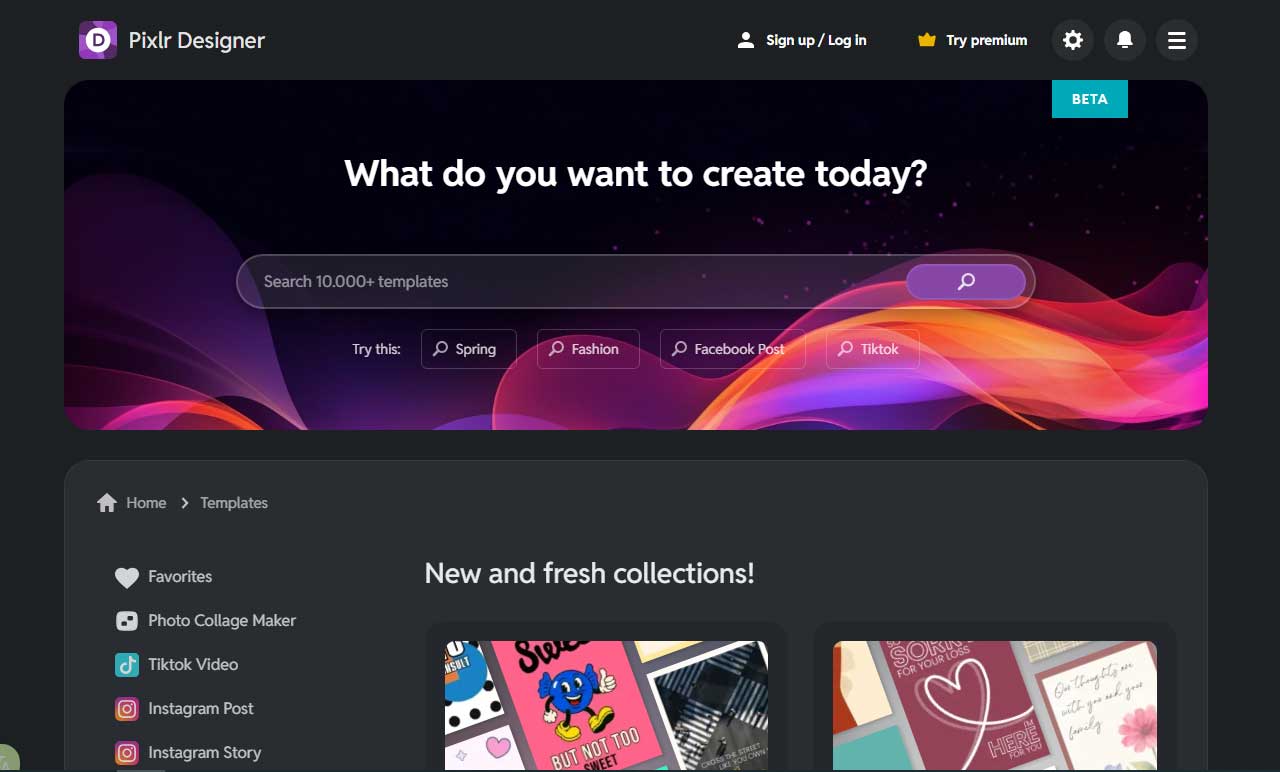
In terms of making an eBook cover, Pixlr’s alignment tools help balance every element, while robust typography features make it easy to craft a captivating title. The platform also provides flexible color controls for the cover. You can adjust image properties, such as brightness and contrast, and fine-tune hues with the color picker to enhance the cover’s mood.
Option 5: Typeset
Typeset is another AI-driven design platform that is suitable for creating Facebook covers, YouTube Thumbnails, and other content.
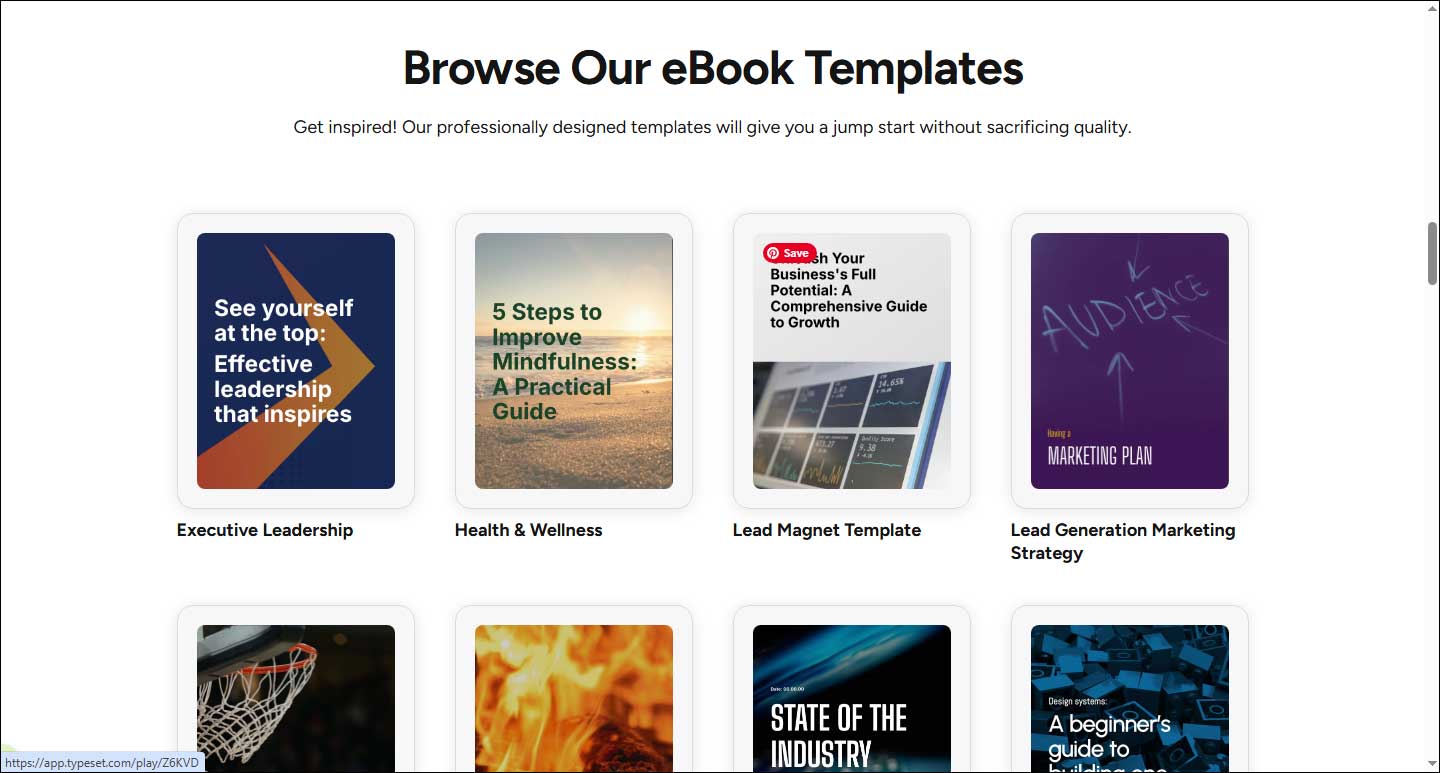
The CoAuthor AI and AI-design features can help beginners without design experience to create a professional cover. Additionally, what makes Typeset stand out is that it supports multiple export formats, including PDF, JPG, PPT, PNG, and Kindle-compatible files. It also enables real-time collaboration on eBook projects.
Conclusion
How to make an eBook cover? This post presents five reliable and easy-to-use eBook cover makers. With the right tool, you can quickly create a professional and eye-catching eBook cover. Select the option that best fits your preference and give it a try.
User Comments :