

Here are five effective and easy methods to add birthday hat to photo. Read on.
Add Birthday Hat to Photo with Fotor
Fotor is a feature-rich online image editor that works with multiple platforms, like Windows, Mac, etc. It can add a birthday hat to your photo in seconds. Additionally, Fotor offers a wide variety of birthday hats, from dog birthday hats to birthday party hats. It goes above and beyond to meet your needs. Moreover, Fotor supports customizing all the birthday hat stickers. You can easily adjust their color, size, and transparency as you prefer.
Follow the step-by-step guides below to add a birthday hat to your picture.
1. Access Fotor’s Photo Editor
Visit https://www.fotor.com/photo-editor-app/editor/sticker.
2. Upload Your Picture
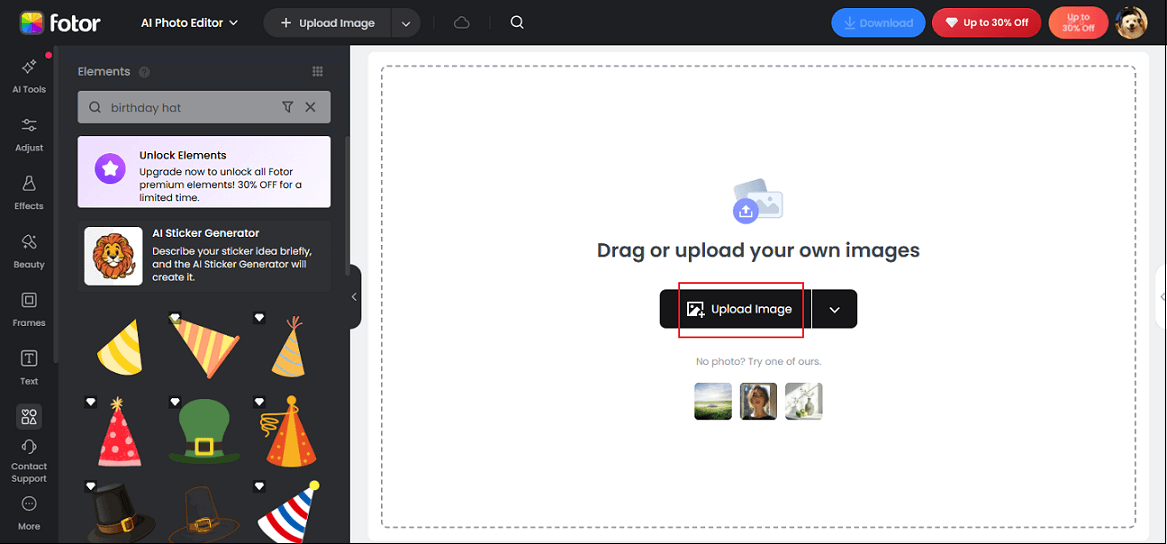
Click the Upload Image button to upload your photo.
3. Add a Birthday Hat to the Photo
Choose the preferred sticker in the left section and add it to the photo.
4. Adjust the Sticker
In the preview window, click the sticker and rotate and scale it.
5. Download the Photo
Click the Download button above the image to save the picture.
Add Birthday Hat to Photo with OpenArt
OpenArt is also a browser-based image editor that offers various birthday hat stickers. It features an intuitive user interface, enabling everyone to accomplish their work with no effort. Plus, OpenArt features built-in artificial intelligence tools that can generate images by recognizing prompts. Follow the instructions below to enhance your precious birthday memories.
1. Go to OpenArt’s Image Editor
Access https://openart.ai/image/edit/inpaint?prompt=Birthday+Hat.
2. Upload Your Picture
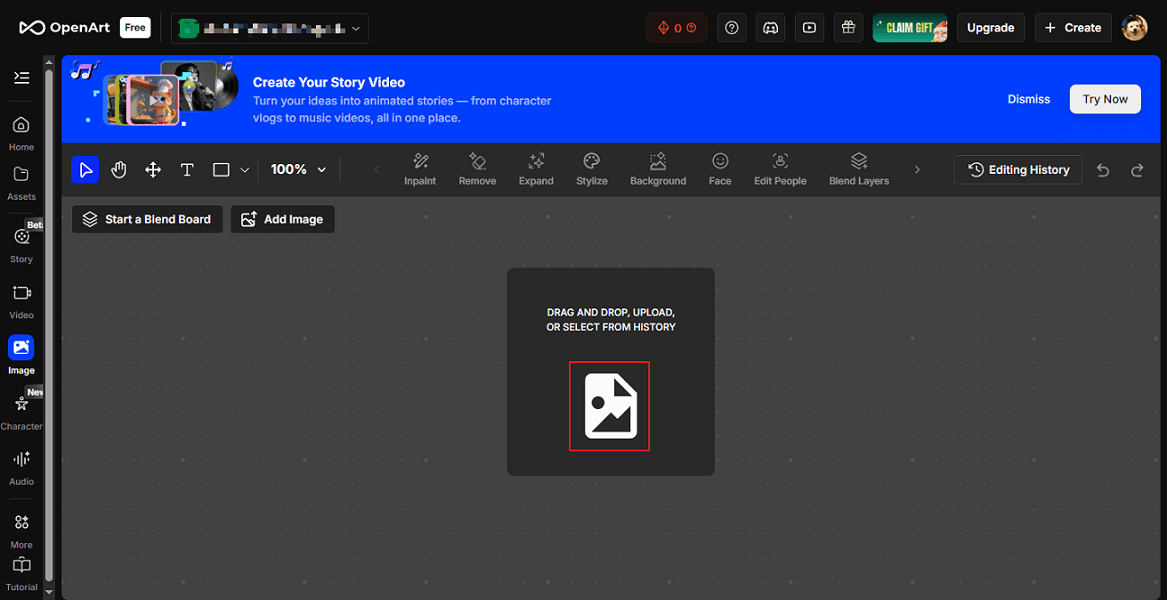
Click the Image icon to upload the picture you want to add a birthday hat to.
3. Choose the Area You Want to Edit
In the preview window, use the Manual Brush to choose the target editing area.
4. Generate an Image with a Birthday Hat
The prompt will be Birthday Hat automatically. Click the Create button to generate the photo. Wait for a few seconds, and the image with a birthday hat will be complete.
Add Birthday Hat to Photo with AI Ease
AI Ease is a free picture editor powered by AI, which allows you to add a birthday hat to a photo online efficiently and output it in high quality. You can customize hat types, colors, sizes, etc., creating a hat style that best meets your needs. In addition, this tool provides various photo editing tools, like object removal, face swaps, photo sharpening, background removal, and more.
Here’s how to add a birthday hat to a photo with AI Ease:
1. Go to AI Ease’s Birthday Hat Adder
Visit https://www.aiease.ai/app/ai-object-replacer/.
2. Upload Your Photo
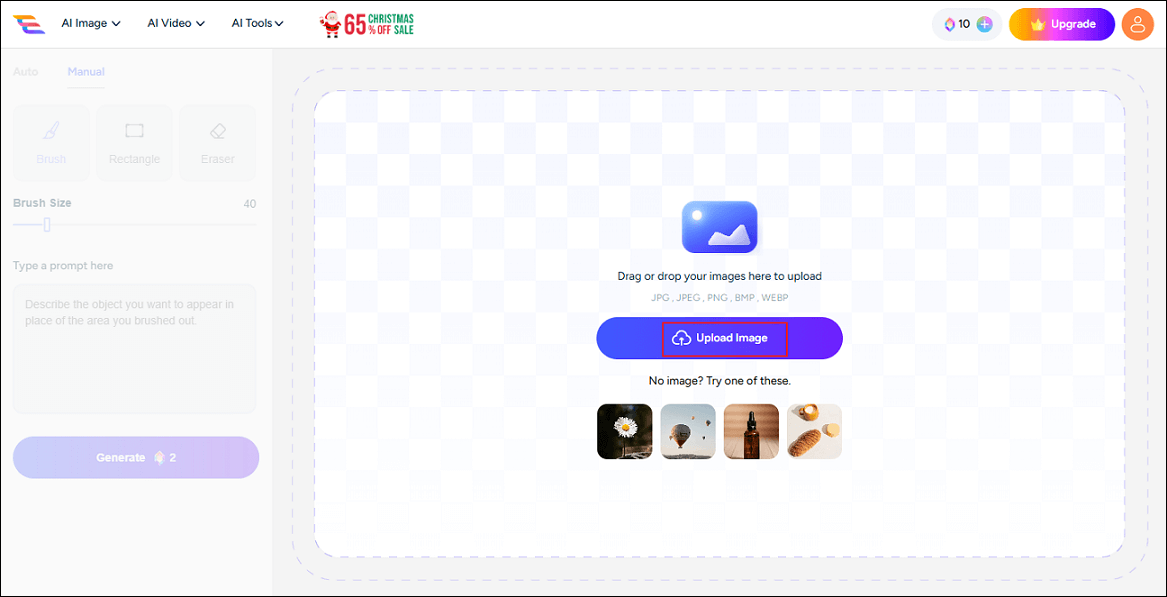
Click the Upload Image button to import your photo.
3. Choose the Target Area
Use the Brush to choose the area you want to add a birthday hat.
4. Input a Prompt
Type a prompt in the text box.
5. Generate the Picture
Click the Generate option to start generating the picture with a birthday hat.
6. Download the Image
When the generating process completes, click the Download icon on the photo to save it.
Add Birthday Hat to Photo with LightX
LightX is an all-in-one online tool that can add a birthday hat to your picture in no time. It provides various birthday hats, empowering you to polish birthday pictures easily. Also, you can customize the hat stickers, such as colors, size, positions, transparency, and more. Furthermore, LightX offers a wide range of birthday illustrations and birthday confetti, cake, balloons, etc., creating unique birthday photos. Now, follow the guides below.
1. Enter LightX’s Add Birthday Hat to Photo Tool
Visit https://www.lightxeditor.com/photo-editing/add-birthday-hat-to-photo/.
2. Upload Your Picture
Click the Upload Image option to import your picture.
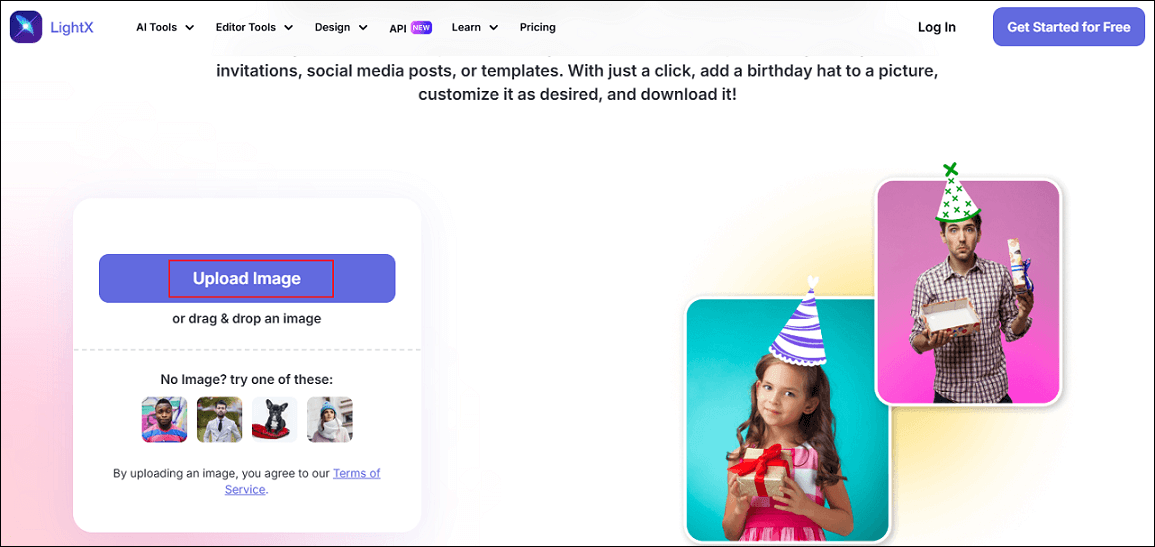
3. Add a Birthday Hat to the Photo
Search for “Birthday Hat” in the Search sticker box and choose the Illustration tab. Click the desired sticker. Then, adjust the sticker in the preview window until you’re satisfied with it.
4. Download the Image
Click the Download button at the top right to save the picture.
Add Birthday Hat to Photo with Chroma Studio
Chroma Studio is a reliable and easy-to-use birthday hat generator that offers a quick solution. It is powered by AI, providing various image tools, such as text to image, image to image, image effects, image enhancer, and so on. Follow the instructions below to generate your photo.
1. Access Chroma Studio’s Image Effects Section
Visit https://www.chromastudio.ai/image-effects?type=birthdayhattophoto.
2. Upload Your Picture
Click the Upload Image option to add your photo.
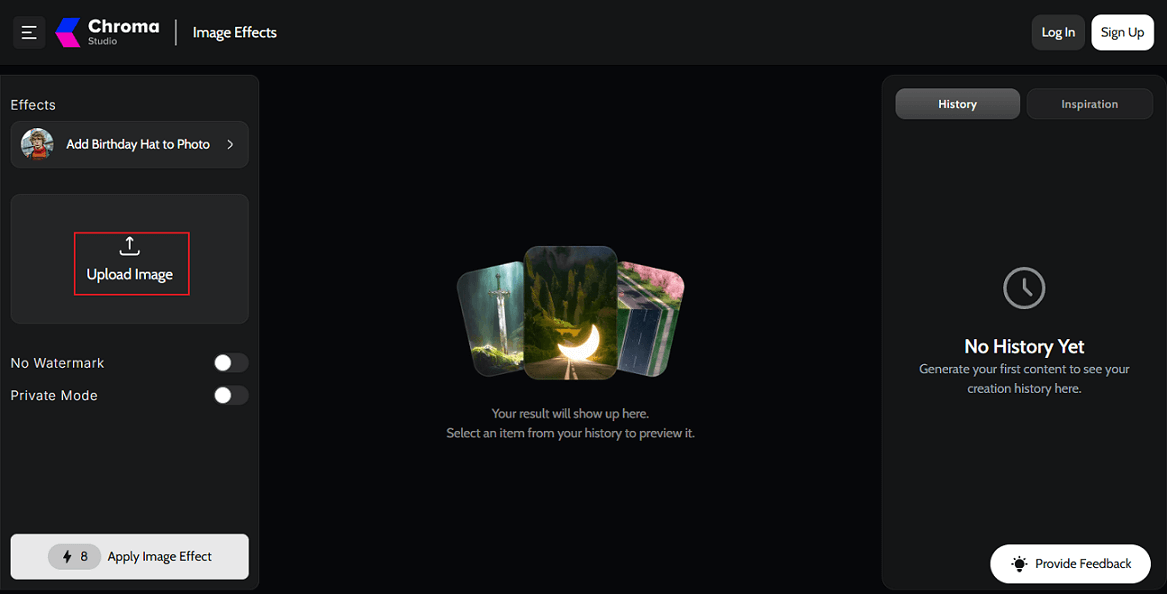
3. Apply the Birthday Hat Effect
Click the Apply Image Effect button to add a birthday hat to the photo.
4. Download the Image
When the generating process completes, click the Download button to save the picture.
All done! With the 5 image editors above, you can create the best birthday pictures!
MiniTool MovieMakerClick to Download100%Clean & Safe
![How to Add Pop Up Effects in Video [Text/Stickers/Images]: 3 Ways](https://images.minitool.com/moviemaker.minitool.com/images/uploads/2025/12/pop-up-effects-in-video-thumbnail.png)
In Summary
This post recommends three reliable and user-friendly image editors to help you add birthday hat to photo. Feel free to choose the one you prefer. Now, it’s time to start your journey!
User Comments :